GSA eLibrary Scraper for Structured Contractor Data
Nenodata builds and maintains scoped extraction workflows that turn selected public contractor, Schedule, and SIN pages into structured, source-linked records for market mapping, teaming research, category analysis, and delivery into CRM, warehouse, and GovTech systems.
- Source-linked public records
- Sample-first schema review
- Delivery into existing workflows
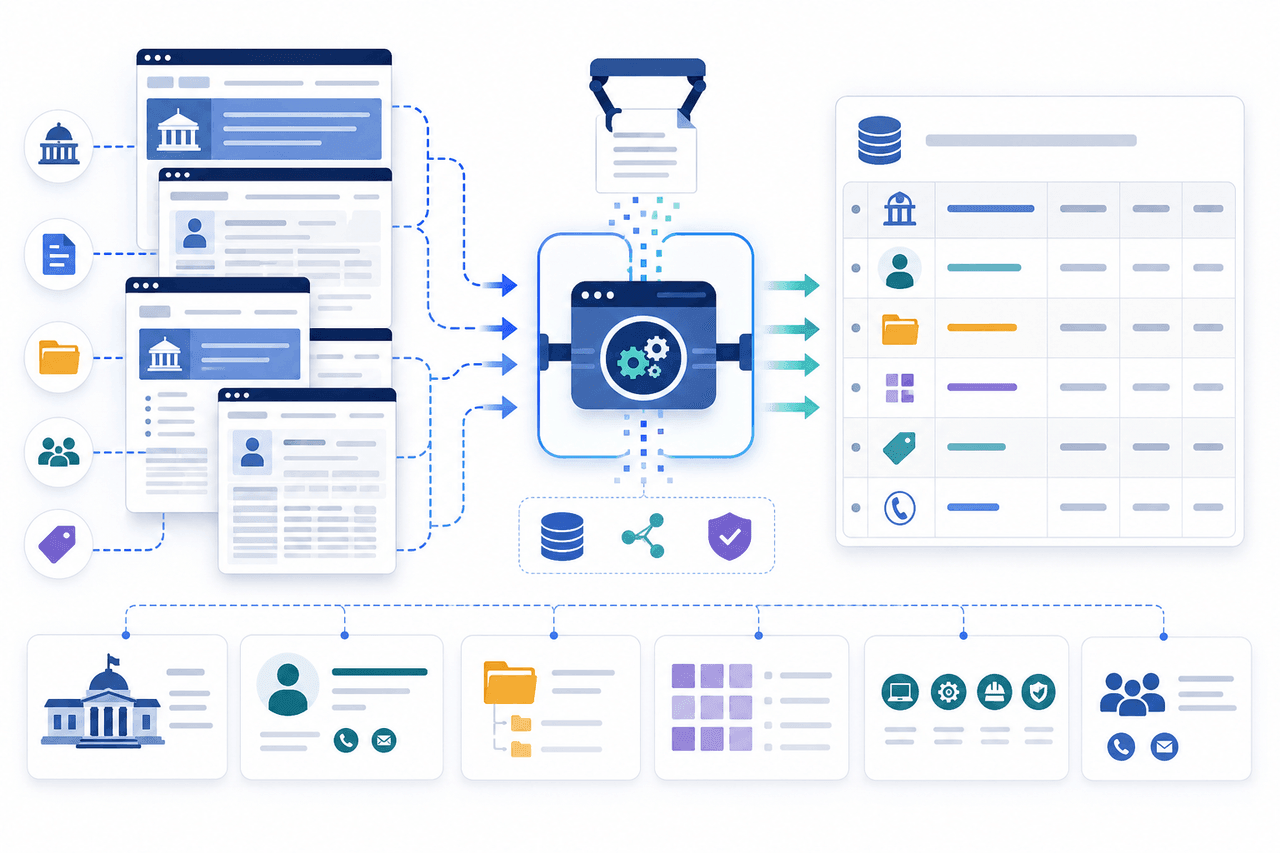
Turn fragmented contractor research into a repeatable dataset
Government contracting teams often assemble contractor intelligence from manual searches across contractor profiles, Schedule listings, SIN pages, and saved exports that fall out of date when records change, pages move, or the same vendor appears under inconsistent formats.
Pagination shifts, duplicate entries, optional public fields, and page-layout changes make one-off scripts difficult to trust for teaming research, market mapping, or CRM enrichment.
A managed workflow defines the approved source pages first, then maps contractor identity, contract context, SIN details, public contact metadata, and collection timestamps into a repeatable schema with transparent missing-value handling.
What the GSA eLibrary Scraper Provides
Nenodata scopes extraction around the contractor profiles, Schedule views, SIN listings, and search results you need for market mapping, teaming, category research, or delivery into internal systems.
Engagements may include contractor and business identity fields, contract and Schedule context, SIN attributes, publicly displayed contact metadata, dates and flags, and collection metadata when those elements are publicly visible and included in the agreed schema.
Coverage depends on the approved public pages, filters, and refresh model defined during scoping. Broader extraction programs may extend through enterprise web scraping services. Structured downstream delivery may also use custom data pipelines.
Illustrative Sample Output
Review an illustrative schema for contractor identity, contract and Schedule context, SIN details, source URLs, and collection timestamps. Missing optional values remain null rather than invented.
Illustrative example
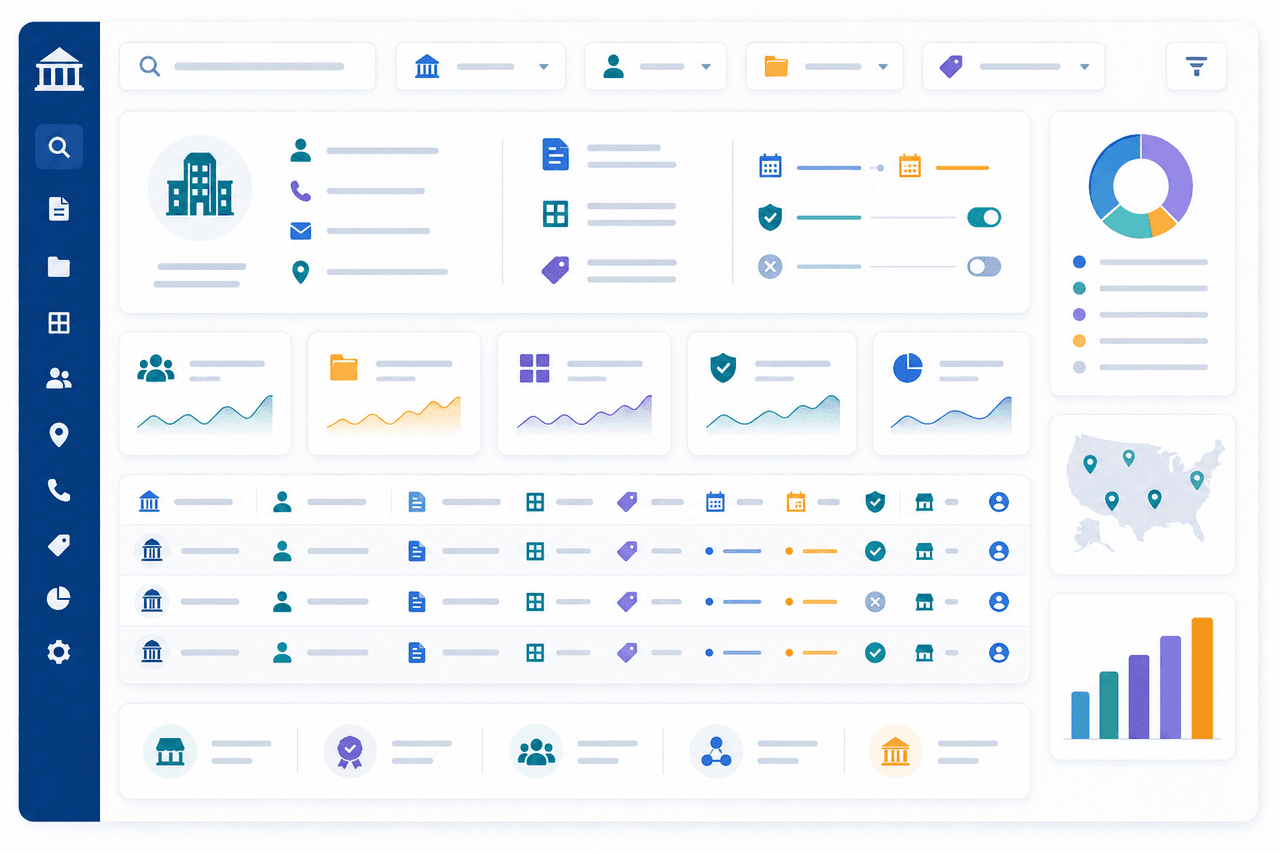
| Contractor name | Contract number | SIN code | Schedule name | Source URL | Socioeconomic flags | Collection timestamp |
|---|---|---|---|---|---|---|
| Example Federal Services LLC | GS-00F-0000X | 541611 | Example Schedule 70 | https://example.gov/contractor/EXAMPLE-001 | Small business | YYYY-MM-DDTHH:mm:ssZ |
| Example Systems Group Inc. | GS-35F-0000Y | 518210C | Example Schedule 70 | https://example.gov/contractor/EXAMPLE-002 | null | YYYY-MM-DDTHH:mm:ssZ |
| Example Logistics Partners | GS-00F-0000Z | 493110 | Example Schedule 84 | https://example.gov/contractor/EXAMPLE-003 | 8(a) | YYYY-MM-DDTHH:mm:ssZ |
JSON structure
{
  "contractor_name": "Example Federal Services LLC",
  "contract_number": "GS-00F-0000X",
  "sin_code": "541611",
  "schedule_name": "Example Schedule 70",
  "source_url": "https://example.gov/contractor/EXAMPLE-001",
  "socioeconomic_flags": null,
  "public_contact_email": null,
  "collected_at": "YYYY-MM-DDTHH:mm:ssZ"
}
Define the source pages and segments that matter
Scope is defined around the public pages and segments required for your workflow rather than assumed universal coverage of every contractor view.
- Contractor profile and business-identity pages
- Schedule and contract listing views
- SIN search results and category listings
- Socioeconomic or small-business filter results when publicly visible
- Saved search or pagination paths agreed during scoping
Data Fields and Delivery Outputs
Potential field groups depend on the approved source pages and agreed schema.
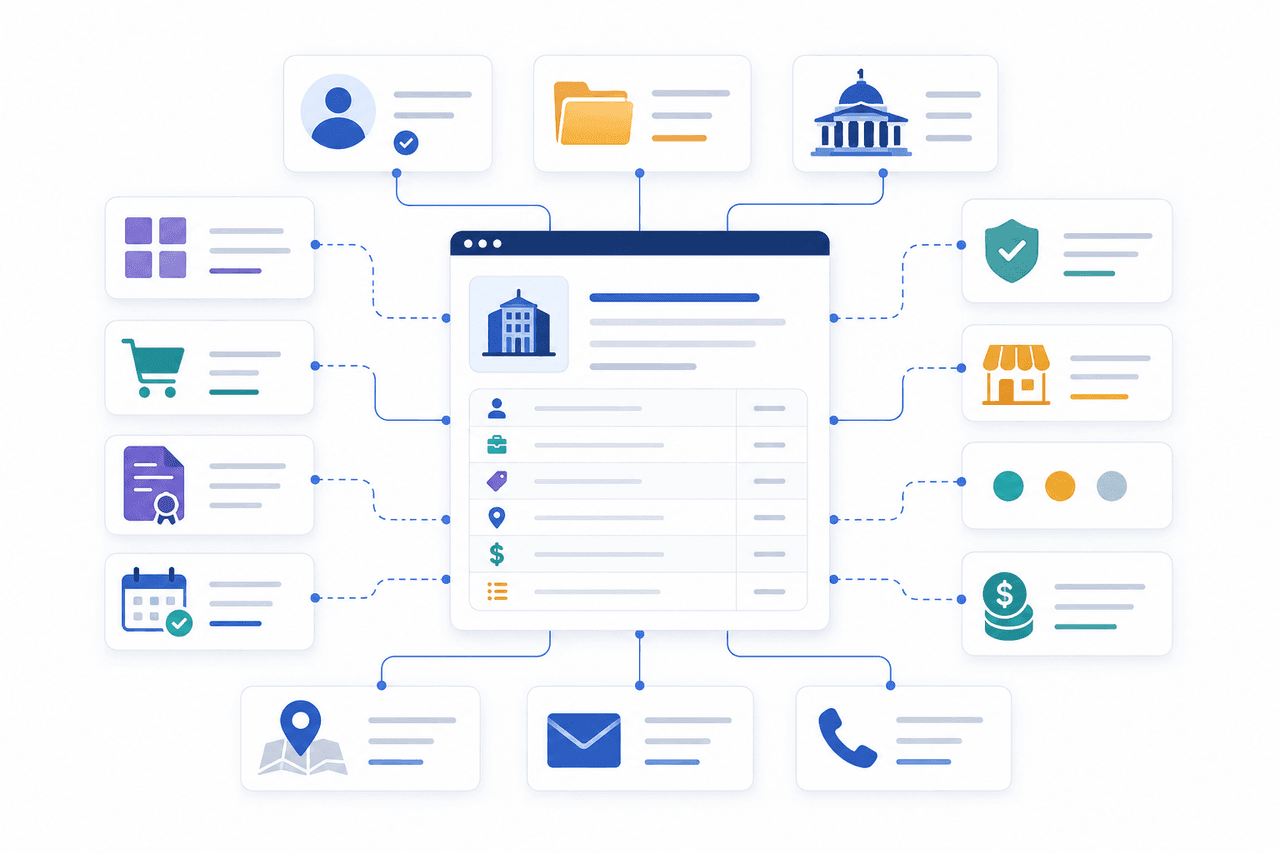
Contractor and business identity
Contractor name, identifiers, and business-identity fields when publicly displayed and included in scope.
Contract, Schedule, and SIN context
Contract numbers, Schedule names, SIN codes, and related category context when shown on approved pages.
Public contact and source metadata
Publicly displayed contact or attribution fields and source URLs retained for traceability.
Dates, flags, and collection metadata
Socioeconomic flags, status labels, collection timestamps, and observation metadata when scoped for monitoring.
Delivery formats
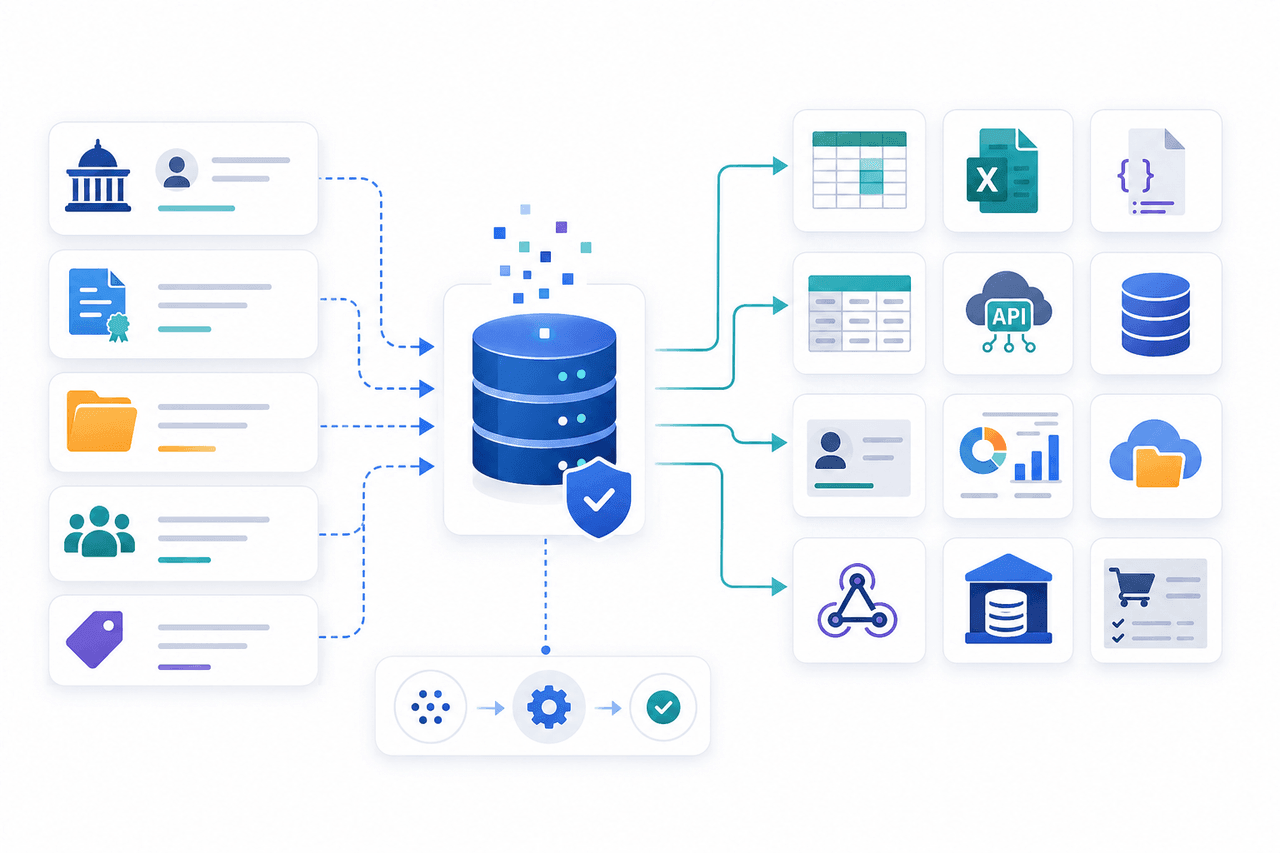
CSV, Excel, JSON, API-oriented structures, database loads, warehouse delivery, and scheduled files when supported for the engagement.
Use Cases
Competitor and market mapping
Capture teams compare contractor presence, Schedule coverage, and SIN exposure across approved public segments.
Teaming-partner discovery
Business-development teams review structured contractor identity and category context for partner shortlists.
SIN and category market research
Analysts aggregate Schedule and SIN signals for category sizing without rebuilding manual spreadsheets.
Small-business and socioeconomic analysis
Research teams review publicly displayed socioeconomic flags where included in the agreed schema and source pages.
Contract-expiration research
Operators track contract or listing dates and last-seen timestamps when recurring delivery is in scope.
CRM and account-list enrichment
RevOps teams load source-linked contractor records into CRM or account databases with explicit null handling.
Procurement vendor research
Procurement teams review structured contractor and contract context for vendor shortlists and market scans.
GovTech product-data feeds
Product teams enrich GovTech applications with normalized contractor records where public pages and intended use allow. lead generation data services may support broader outbound or enrichment workflows where appropriate.
Who this service is for
This service is for GovTech vendors, federal contractors, business-development teams, market-research analysts, procurement advisors, CRM administrators, and internal data teams that need structured observations from approved public contractor, Schedule, and SIN pages.
It fits organizations that want managed sample-first scoping rather than fragile one-off collection scripts.
Broader multi-source extraction needs may be supported through Nenodata data extraction services. This page does not claim official GSA partnership, unrestricted access, or endorsement.
How the Managed Workflow Works
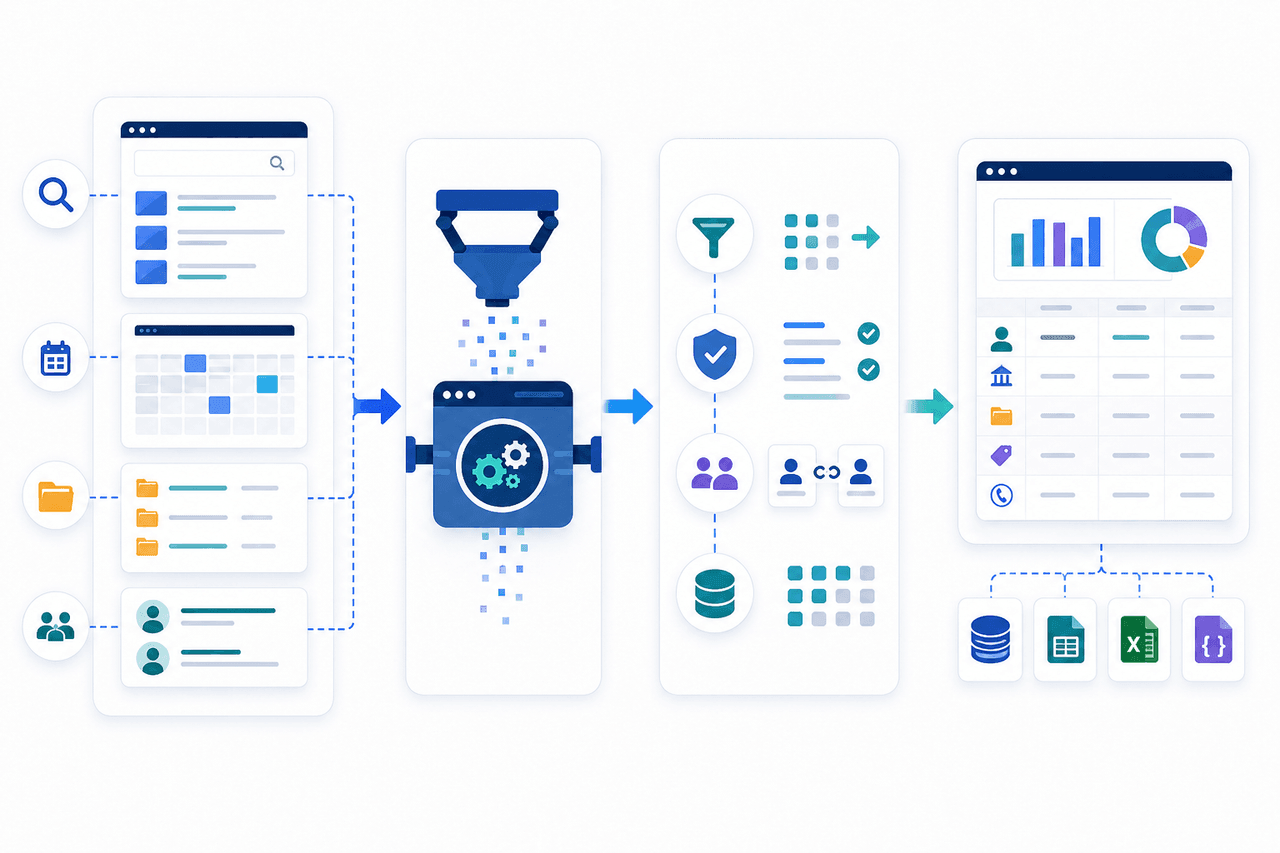
- Step 1
Share the research requirements
Share representative source URLs or searches, required fields, filters, intended use, delivery format, and refresh needs.
- Step 2
Scope source pages and delivery
Nenodata maps the approved public pages, field availability, and delivery destination before broader collection begins.
- Step 3
Build and review a representative sample
A sample dataset shows available, optional, and missing fields with source URLs attached before production rollout.
- Step 4
Deliver the approved dataset
Structured outputs are delivered through the agreed method, with maintenance included when contracted.
Why Choose Nenodata
Custom scope before development
Source pages, filters, and field requests are defined before engineering work expands beyond the agreed sample.
Representative sample before production
Teams review a sample dataset that shows real field availability and missing-value handling before wider rollout.
Source-linked and transparent records
Source URLs and collection timestamps remain attached so records stay traceable back to the public page context.
Managed workflow maintenance
When included in scope, Nenodata maintains agreed handling for source-layout and delivery changes.
Delivery into existing processes
Field names, null handling, and destination mapping are planned around spreadsheets, CRM, warehouse, and application schemas.
Compliance-conscious project scoping
Work stays limited to approved public sources and intended uses. Private, subscription-only, or restricted data remain out of scope.
Integrations and Delivery
Delivery formats may include CSV, Excel, JSON, API-oriented structures, database delivery, warehouse delivery, scheduled files, and webhooks when supported for the engagement.
Pipeline extensions may use custom data pipelines. Review Nenodata pricing options for engagement models. Database and warehouse destinations are agreed during scoping.
- CSV
- Excel
- JSON
- API-oriented structures
- Database delivery
- Warehouse delivery
- Scheduled file delivery
- Webhooks
Related: supplier and vendor data scraping · firmographic data extraction · AWS Marketplace scraper
Frequently Asked Questions
Nenodata is not affiliated with GSA or the U.S. General Services Administration. This service describes a managed workflow for agreed public contractor, Schedule, and SIN pages.
Request a representative data sample
Share representative source URLs or searches, required fields, target Schedules or SINs, refresh needs, intended use, and preferred delivery format so Nenodata can scope the next step.
Include business contact details when you contact Nenodata.