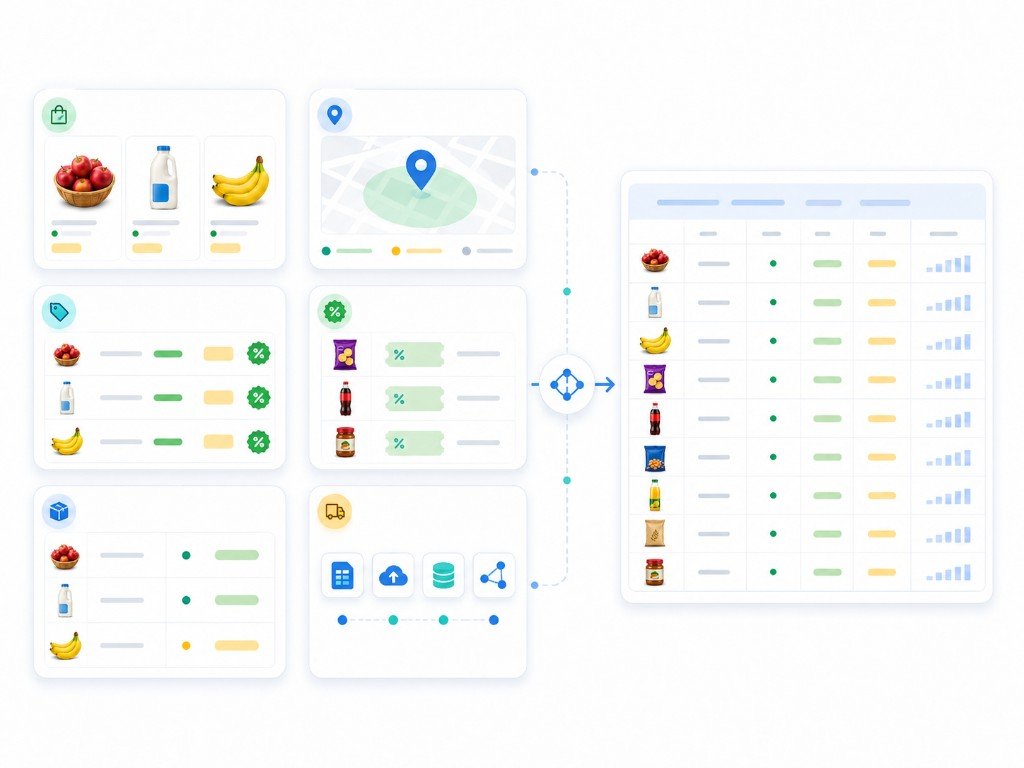
Blinkit Data Scraping Services for Quick Commerce Intelligence
Nenodata helps pricing, category, FMCG, and retail analytics teams collect structured Blinkit product, price, availability, promotion, and location-based market data from approved public or permissioned sources.

The problem: Blinkit data changes faster than manual tracking can handle
Blinkit product titles, pack sizes, prices, discount labels, availability signals, promotion text, and delivery context can change by SKU, category, city, pincode, and time window. A value copied manually or saved in a screenshot may no longer represent the visible offer when pricing or assortment teams review it later.
Quick-commerce pages combine product identity, category placement, pricing signals, and location-level availability that are difficult to keep consistent across large product sets without a stable extraction and validation process.
Pricing, FMCG, and retail intelligence teams need repeatable schema logic, approved public or permissioned source boundaries subject to feasibility review, and scheduled collection with clear field definitions—not fragile scripts or one-off exports that require constant rework.
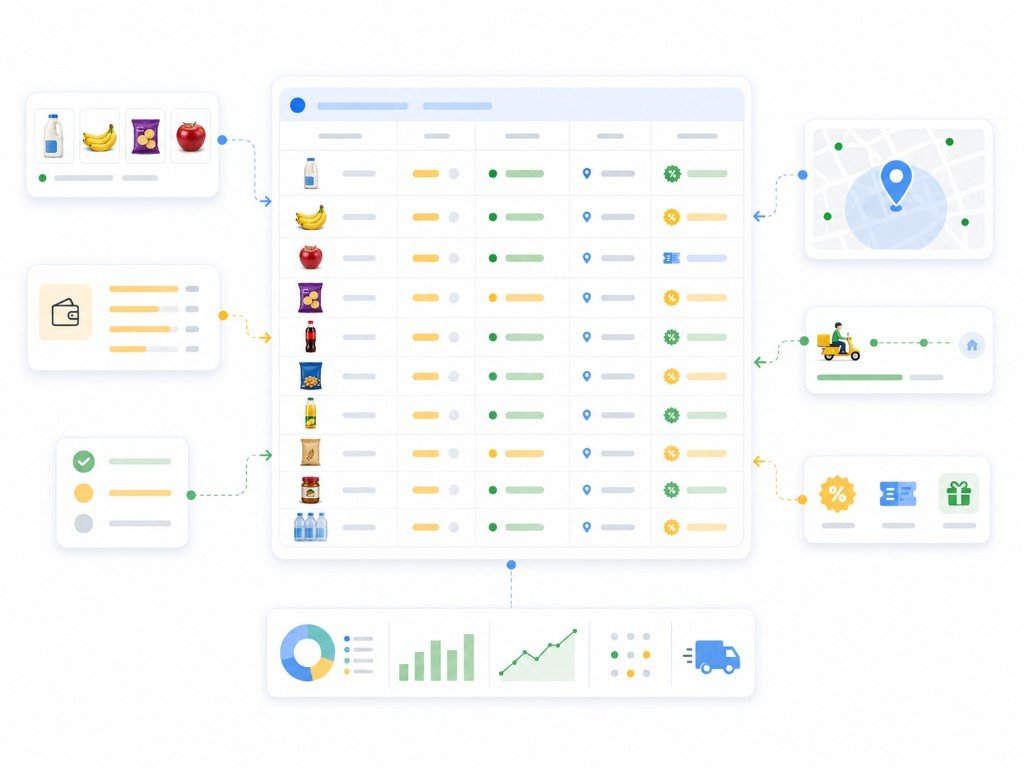
What Nenodata provides
Nenodata builds managed Blinkit extraction workflows for approved public or permissioned sources, with coverage reviewed before production. The process starts by confirming target categories, product URLs, city or pincode scope where relevant, required fields, refresh expectations, and delivery format.
Once scope is agreed, Nenodata configures collection, maps required fields, structures records, and applies cleaning and validation checks so output is consistent enough for pricing, assortment, promotion, availability, and analytics workflows.
Depending on approved scope, outputs may include product name, brand, category, SKU or variant, price, discount, availability, city or pincode where feasible, delivery estimate, promotion text, ratings, review count, product URL, and collection timestamp. Nenodata does not guarantee access to every Blinkit page, app surface, or restricted or private data.
Blinkit Data Scraping Services built around sample-first scoping

{
  "captured_at": "YYYY-MM-DDTHH:mm:ssZ",
  "source_name": "Example Blinkit page",
  "product_name": "Example product",
  "brand": "Example brand",
  "product_url": "https://example.com/product",
  "category_path": "Example > Category > Path",
  "sku_or_variant": "Example value",
  "price": "Example value",
  "discount": "Example value",
  "currency": "INR",
  "availability": "Example status",
  "city": "Example city",
  "pincode": "Example value",
  "delivery_estimate": "Example value",
  "promotion_text": "Example promotion",
  "rating_value": "Example value",
  "review_count": "Example value",
  "last_updated": "YYYY-MM-DDTHH:mm:ssZ"
}
Data fields and outputs

Product identity fields
- • Product name where displayed
- • Brand where shown
- • Product URL
- • Category path where available
- • SKU or variant where visible
- • Image URL where publicly visible
Pricing fields
- • Current price where publicly displayed
- • MRP or list price where shown
- • Discount signals where visible
- • Currency
- • Confirm price fields during scoping
Availability fields
- • Stock or availability status where displayed
- • Availability signal where visible
- • Last-updated timestamp
- • Confirm availability fields during scoping
Location context
- • City where scoped and feasible
- • Pincode where scoped and feasible
- • Delivery estimate where visible
- • Confirm location fields during scoping
Promotion and merchandising fields
- • Promotion text where displayed
- • Offer or merchandising labels where visible
- • Discount labels where shown
Rating and review visibility
- • Rating value where publicly visible
- • Review count where displayed
- • Review snippet where scoped and approved
Delivery formats
- • CSV, Excel, JSON, and API-ready structures where confirmed
- • Scheduled feeds where scoped and confirmed
- • Webhook, database, or cloud delivery should be confirmed during scoping
Use cases
Competitor price monitoring
Track price and discount changes across scoped Blinkit SKUs so pricing teams can respond to quick-commerce moves with structured benchmarks.
Assortment tracking
Monitor category and product coverage across scoped Blinkit sources to support assortment and shelf planning workflows.
Availability monitoring
Track stock or availability signals—and city or pincode visibility where scoped—to support supply and fulfilment monitoring.
Promotion tracking
Capture promotion labels and offer signals across monitored listings to support competitive promotion analysis.
City and pincode benchmarking
Compare structured price and availability signals across scoped cities or pincodes where location-level collection is agreed during scoping.
Category intelligence
Structure category and product fields from approved sources to support merchandising and navigation research.
FMCG brand visibility
Monitor brand and category placement across scoped listings to support shelf visibility and competitive brand analysis.
Blinkit price monitoring
Structure Blinkit datasets for recurring price monitoring workflows using an agreed schema and delivery cadence.
Who this is for
This service is designed for pricing teams, category managers, FMCG analysts, ecommerce managers, retail brands, catalog operations teams, competitive intelligence teams, and data teams building product, price, promotion, availability, and location monitoring workflows from approved Blinkit sources.
How it works
Define requirements
Share target Blinkit products, categories, city or pincode scope, required fields, refresh needs, and preferred delivery format so Nenodata can scope the workflow.
Configure collection
Nenodata reviews source feasibility and configures extraction around the agreed product, pricing, availability, and location scope.
Structure and review
Collected records are standardized, reviewed for completeness, and prepared in the agreed structure before delivery.
Deliver the data
Receive output once or on a recurring schedule via agreed formats and destinations. Nenodata maintains the configured workflow as sources evolve.

Why choose Nenodata
Feasibility before commitment
Projects begin with Blinkit page-type and field feasibility review—not a promise to extract every product, category, or location without scoping.
Custom schema planning
Outputs can be structured around target categories, matching logic, price fields, location rules, and delivery requirements agreed during scoping.
Managed recurring delivery
For teams monitoring prices, promotions, stock, or assortment over time, Nenodata can support scheduled delivery based on approved source and project requirements.
Responsible source scope
Collection stays scoped to approved public or permissioned sources. Private, restricted, logged-in, or personal data should remain outside project scope unless proper permission and legal review exist.
Built for business users and data teams
Records are cleaned and mapped to agreed fields rather than unstructured page dumps that require downstream rework.
Delivery and integration options
Depending on approved scope, structured Blinkit data may flow through Nenodata extraction and validation into CSV, Excel, JSON, or API-ready records for pricing dashboards, spreadsheet workflows, internal databases, and analytics pipelines where confirmed.
Webhook delivery, database or cloud handoff, and direct integration options should be confirmed during scoping so field names, file structure, and downstream systems match the workflow your team already uses.

Related resources: enterprise web scraping, e-commerce data extraction, price intelligence solutions, Instacart data scraping, Swiggy data scraping, Zepto data scraping, Zomato data scraping, Amazon data scraping services, BigBasket data scraping, ecommerce price scraping guide, grocery chains in Florida data guide, and contact Nenodata.
FAQ
Need structured Blinkit data for pricing, assortment, promotion, or availability workflows?
Share your target URLs or categories, required fields, city or pincode scope, refresh cadence, and preferred delivery format. Nenodata will review the scope and confirm the next step.
Include target Blinkit URLs or categories, required fields, location scope, refresh expectations, and preferred output format.