Flight Data Scraping for Fare, Route & Schedule Data
Nenodata helps travel and aviation teams collect fare, route, schedule, and availability-related data from approved public or permissioned sources and deliver structured feeds for pricing, analytics, and product workflows.
The Problem With Manual Flight Data Collection
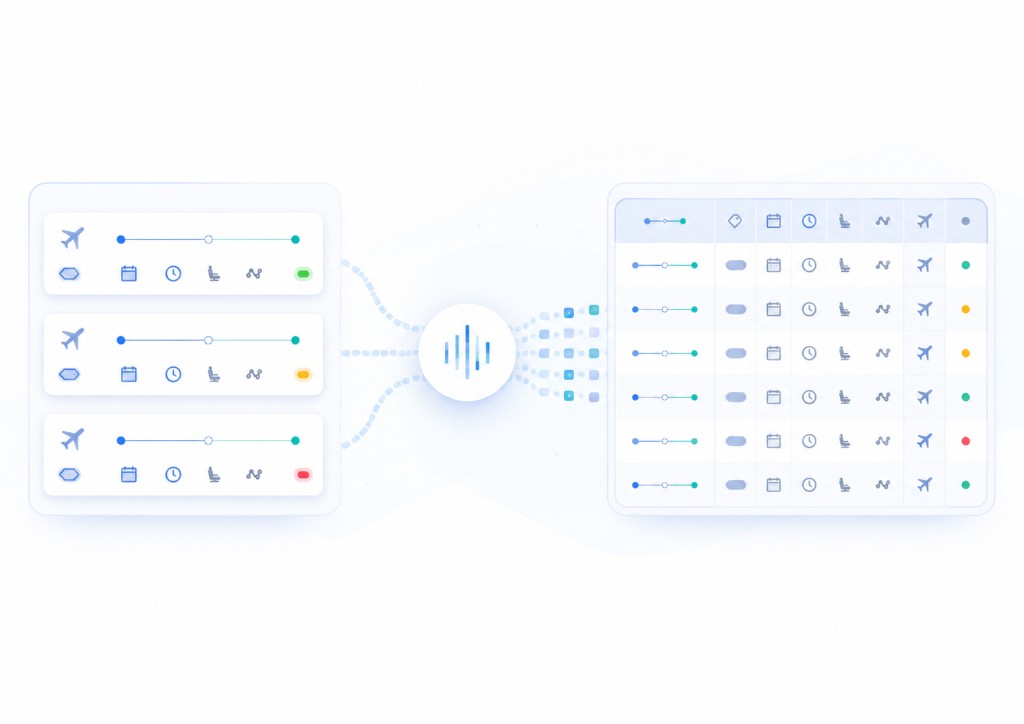
Airfares, schedules, cabin classes, and availability signals change quickly across airline sites, OTAs, and metasearch platforms. A fare copied manually into a spreadsheet may no longer represent the visible offer when a pricing or distribution team reviews it later.
Manual collection becomes difficult when teams need to monitor routes across channels, compare markets, preserve date-window context, or repeat searches across destinations. Basic scripts struggle when search flows change, results load dynamically, fields are labeled inconsistently, and maintenance consumes engineering time.
Travel and aviation teams need stable field definitions, agreed collection schedules, and output that can move into fare monitoring, route intelligence, analytics, and product workflows without rebuilding the dataset each cycle.
What Nenodata Provides
Nenodata configures managed extraction workflows around the flight-data requirements your team defines. That includes target sources, routes, markets, date windows, required fields, refresh expectations, and delivery destination.
Depending on approved scope, outputs can include origin and destination, departure and return dates, airline and flight identifiers, cabin or fare class, fare or price, currency, stop context, availability signals, promotion text where displayed, source URLs, and collection timestamps where those elements are publicly visible or permissioned and included in the agreed schema.
Supported sources, search flows, refresh cadence, and delivery formats are confirmed during scoping rather than assumed in advance. Named airlines, OTAs, or metasearch platforms should not be referenced unless approved by Nenodata.
Flight Data Scraping Service Scope
Use an illustrative sample to confirm field names, route coverage, date-window logic, and output format before configuring a larger recurring workflow.
| Origin | Destination | Departure | Airline | Cabin | Fare | Timestamp |
|---|---|---|---|---|---|---|
| Example origin | Example destination | YYYY-MM-DD | Example airline | Example class | Example value | YYYY-MM-DDTHH:MM:SSZ |
{
  "collection_timestamp": "YYYY-MM-DDTHH:MM:SSZ",
  "source_name": "Example travel source",
  "origin": "Example airport or city",
  "destination": "Example airport or city",
  "departure_date": "YYYY-MM-DD",
  "return_date": "YYYY-MM-DD",
  "airline": "Example airline",
  "flight_number": "Example flight number",
  "cabin_or_fare_class": "Example class",
  "fare": "Example value",
  "currency": "Example currency",
  "stops": "Example stop context",
  "availability_status": "Example status",
  "promotion_text": "Example promotion",
  "source_url": "Example public URL"
}
Illustrative CSV-style field list
collection_timestamp,
source_name,
origin,
destination,
departure_date,
return_date,
airline,
flight_number,
cabin_or_fare_class,
fare,
currency,
stops,
availability_status,
promotion_text,
source_url
Field availability can vary by source, route, date window, and project scope.
Data Fields and Outputs
Actual availability should be confirmed against target sources during scoping.
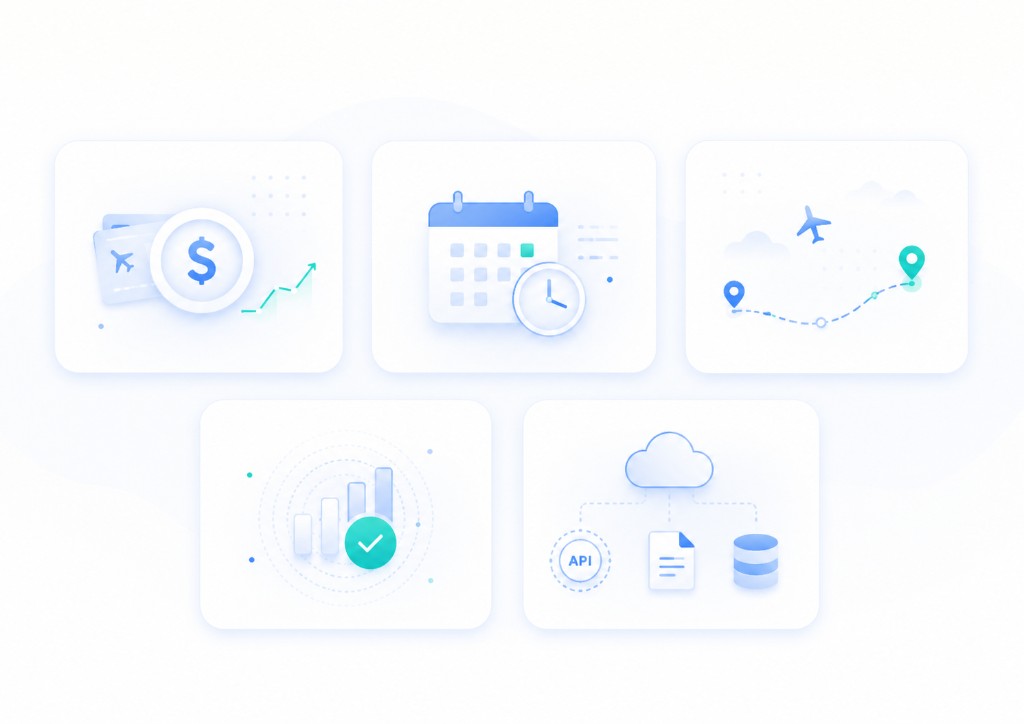
Route and search inputs
- • Origin and destination
- • Departure and return dates
- • Trip type or search context
- • Passenger or cabin search inputs where displayed
- • Market or locale context
Fare and pricing data
- • Fare or total price
- • Currency
- • Taxes and fees text where displayed
- • Promotion or discount text where shown
- • Fare basis or rate-plan signals where available
Schedule and timing data
- • Departure and arrival times where displayed
- • Flight duration where displayed
- • Stop or connection context
- • Date-window or itinerary context
- • Collection timestamp
Airline and flight identity
- • Airline name or code where displayed
- • Flight number where displayed
- • Operating carrier context where shown
- • Cabin or fare class
- • Source URL
Availability and booking signals
- • Availability status where displayed
- • Seats or inventory signals where publicly shown
- • Sold-out or limited indicators
- • Booking channel or seller context
- • Last-seen timestamp
Delivery formats
- • CSV or Excel for analyst workflows
- • JSON for engineering pipelines
- • API-ready structured records
- • Scheduled feeds where scoped and confirmed
- • Database or warehouse-ready files where confirmed
Use cases
Fare monitoring
Bring current fares and route context into one dataset so pricing teams can compare channels and respond to market moves without manual search checks.
See price intelligence solutions for broader pricing workflows.
Route intelligence
Track route-level fare and schedule signals across scoped markets to support network planning and competitive analysis workflows.
Metasearch product feeds
Prepare cleaned flight records for travel products, search tools, and internal applications that depend on consistent route and fare fields.
Market coverage analysis
Build structured datasets from scoped origins and destinations to study fare ranges, airline mix, and availability patterns over time.
Historical fare tracking
Record fare signals across monitored routes and date windows to support trend analysis and reporting where refresh cadence is agreed during scoping.
Travel pricing dashboards
Deliver cleaned flight data into spreadsheets, BI tools, or internal dashboards on an agreed schedule once formats are confirmed.
Flight price scraper replacement
Replace brittle internal scripts with a managed collection workflow scoped around your sources, fields, and delivery destination.
Who This Is For
This service fits airline revenue and distribution teams, OTA and metasearch product groups, travel-tech platforms, aviation analytics teams, market intelligence firms, and corporate travel programs that need structured flight data from scoped public or permissioned sources.
It also supports organizations that want monitored fare feeds without dedicating internal engineering capacity to maintaining collection scripts across changing airline and booking-site pages.
How It Works
Share sources, fields, and routes
Define target sources, routes, markets, date windows, required fields, refresh expectations, and delivery destination so Nenodata can scope the workflow.
Confirm source feasibility
Nenodata reviews source coverage, search flows, field availability, and delivery feasibility before confirming the proposed schema and schedule.
Configure collection and structure
Nenodata sets up the extraction workflow around the agreed input model, including route lists, search paths, and comparison context needed for usable records.
Validate and deliver
Collected records are standardized, reviewed for completeness, and delivered via agreed formats and destinations. Nenodata maintains the configured workflow as sources evolve.

Why Choose Nenodata
Source scoping before commitment
Projects begin with a review of target platforms, routes, fields, and sample URLs—not a promise to extract every airline or OTA source without scoping.
Custom schema for travel workflows
Outputs can be structured around the route, fare, schedule, and availability fields your pricing or product team needs rather than a generic page dump.
Delivery built around your stack
Field naming, file structure, and delivery destination can be shaped around spreadsheets, engineering pipelines, API-ready records, or downstream reporting tools once confirmed.
Managed maintenance for changing sources
Flight search pages can change layouts, filters, and scripts. A managed workflow can include monitoring and maintenance planning beyond a one-off internal script.
Responsible collection boundaries
Collection is scoped around public or permissioned sources. Private, login-gated, restricted, or protected data should remain outside the project scope.
Integrations and Delivery
Depending on approved scope, structured flight data may flow from agreed sources through Nenodata extraction and validation into CSV, JSON, API-ready records, scheduled feeds, or downstream reporting workflows.
Teams often combine flight data workflows with price intelligence, custom pipeline delivery, and enterprise web scraping depending on the use case. API-ready delivery and monitoring workflows can be discussed during scoping when those destinations are confirmed for the project.
Explore enterprise web scraping, custom data pipelines, and services for related delivery patterns confirmed during scoping.
Related services: OTA data scraping, car rental data scraping, car rental price scraping, travel and hospitality data scraping, and flight price data intelligence.
Frequently asked questions
Scope your flight data workflow
Share target sources, routes, required fields, date windows, refresh frequency, and delivery format when you contact Nenodata so the team can scope the workflow accurately.
Contact Nenodata or review pricing to discuss sources, routes, and delivery format.