Restaurant Menu Data Scraping Services
Nenodata collects public menu items, prices, modifiers, availability, and location context from agreed sources, then delivers clean datasets or scheduled feeds for benchmarking, pricing, product research, and market intelligence workflows.
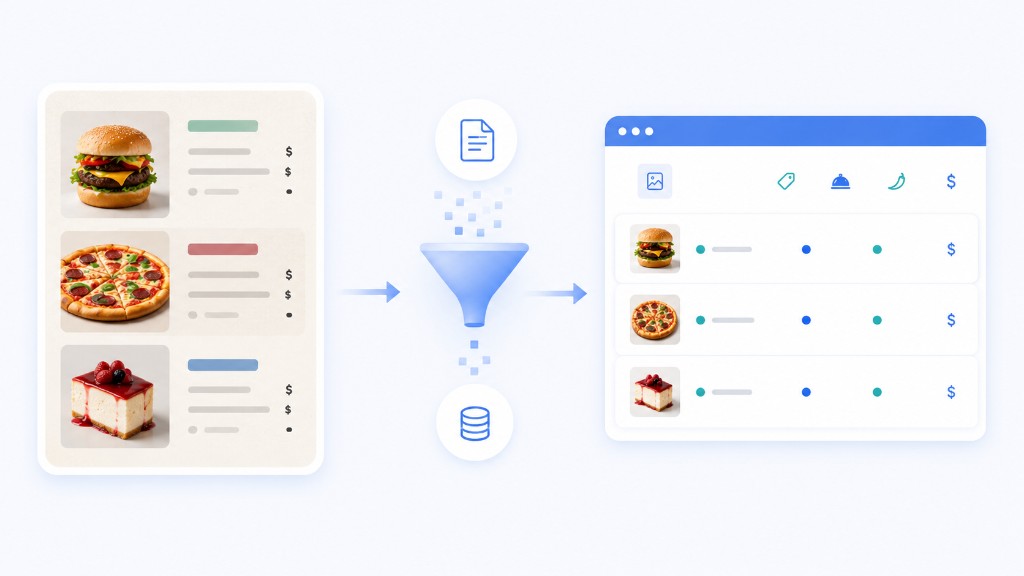
Why menu data is hard to maintain manually
Restaurant menus change frequently as brands update items, prices, modifiers, promotions, and availability across locations and delivery channels. A price copied manually into a spreadsheet may no longer match the visible menu when a pricing or product team reviews it later.
Manual menu maintenance becomes difficult when teams need to track items across locations, compare channels, preserve category structure, or repeat collection across markets. Basic scripts struggle when menu depth varies by location, modifiers are nested inconsistently, pages load dynamically, and maintenance consumes engineering time.
Food and beverage teams need stable menu field definitions, agreed refresh expectations, and output that can move into benchmarking, pricing, product development, and analytics workflows without rebuilding the dataset each cycle.
Restaurant Menu Data Scraping by Nenodata
Nenodata configures managed restaurant menu data workflows around the sources, brands, locations, menu fields, and delivery requirements your team defines. That includes target websites, brand menus, delivery marketplaces, or customer-provided source lists evaluated during scoping.
Depending on approved scope, outputs can include menu categories, item names, descriptions, prices, modifiers, add-ons, dietary flags, availability signals, promotions, location context, and source metadata where those elements are publicly visible or permissioned and included in the agreed schema.
Source feasibility, menu depth, field availability, refresh cadence, and delivery formats are confirmed during scoping and sample review rather than assumed in advance.
For broader restaurant profile, location, and review workflows, see restaurant data scraping services, restaurant data scraping, AllMenus API, or web scraping services.
Sample output / proof
Use an illustrative sample to confirm field names, menu depth, modifier handling, and output format before configuring a larger recurring workflow.
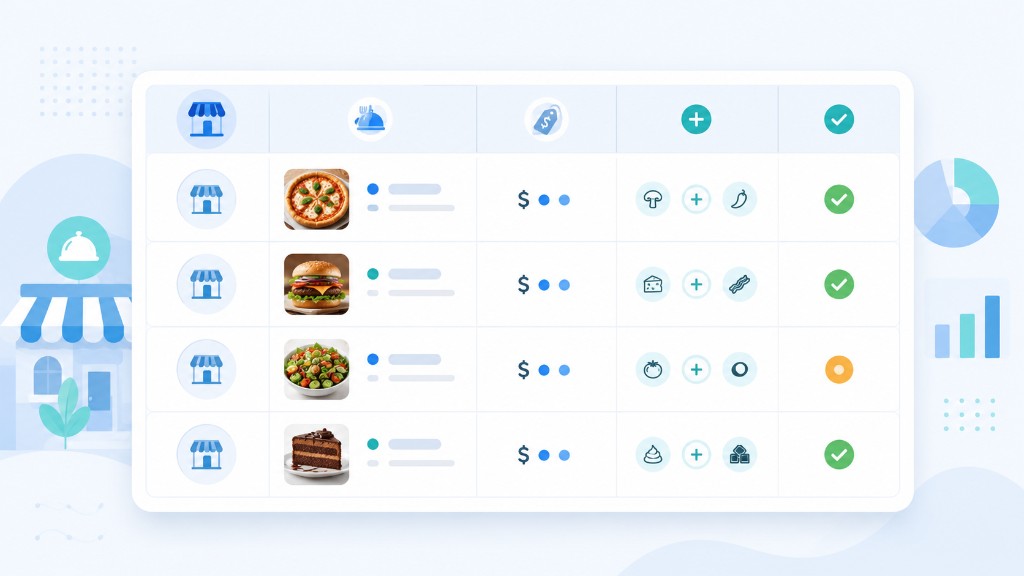
| Restaurant | Item | Price | Add-on | Availability | Timestamp | Source URL |
|---|---|---|---|---|---|---|
| Example restaurant | Example item | Example value | Example add-on | Example status | YYYY-MM-DDTHH:MM:SSZ | Example public URL |
{
  "collection_timestamp": "YYYY-MM-DDTHH:MM:SSZ",
  "source_name": "Example source",
  "restaurant_name": "Example restaurant",
  "location_name": "Example location",
  "city": "Example city",
  "menu_category": "Example category",
  "item_name": "Example item",
  "item_description": "Example description",
  "item_price": "Example value",
  "currency": "Example currency",
  "modifier_text": "Example add-on",
  "dietary_flags": "Example flags",
  "availability_status": "Example status",
  "promotion_text": "Example promotion",
  "source_url": "Example public URL"
}
Illustrative CSV-style field list
collection_timestamp,
source_name,
restaurant_name,
location_name,
city,
menu_category,
item_name,
item_description,
item_price,
currency,
modifier_text,
dietary_flags,
availability_status,
promotion_text,
source_url
Field availability can vary by source, location, menu depth, and project scope.
Data fields and outputs
Actual availability should be confirmed against target sources during scoping.
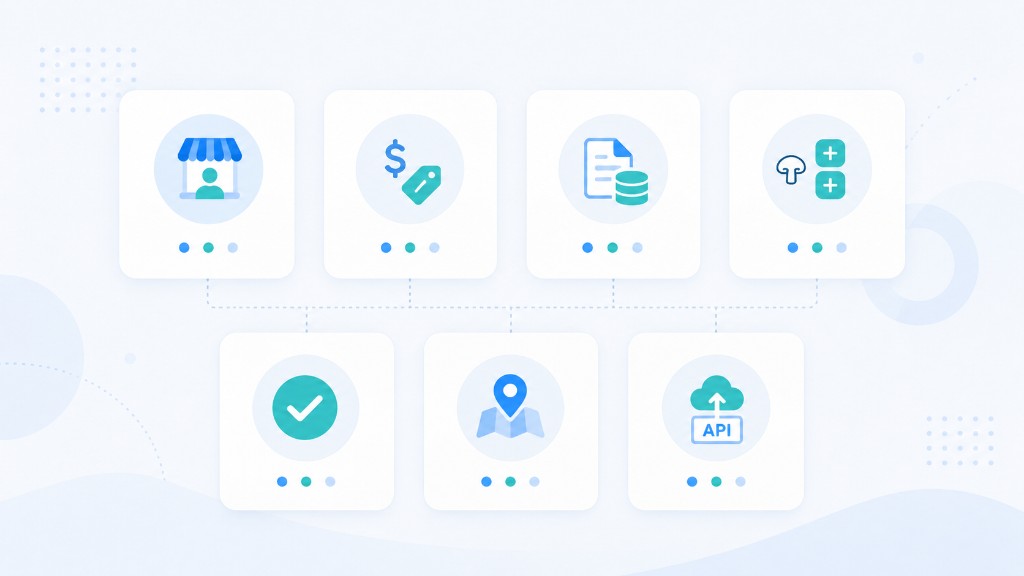
Menu identity fields
- • Restaurant or brand name
- • Location or branch identifier where available
- • Menu category or section
- • Item name and description
- • Item or SKU identifier where displayed
- • Collection timestamp
Pricing fields
- • Item price
- • Currency
- • Modifier or add-on price where shown
- • Combo or bundle pricing where displayed
- • Promotion or discount text
- • Tax or fee text where shown
Item metadata
- • Dietary flags where displayed
- • Calorie or nutrition text where shown
- • Portion or size labels
- • Spice level or tags where shown
- • Item image URL where publicly available
- • Menu depth context by location
Modifiers and add-ons
- • Modifier group name
- • Modifier or add-on label
- • Required vs optional modifier context
- • Nested modifier structure where displayed
- • Default selection text where shown
- • Modifier price where displayed
Availability and change signals
- • Item availability status
- • Limited-time or seasonal labels
- • Sold-out or unavailable indicators
- • Last-seen timestamp
- • Price change context via timestamps
- • Menu version or update signals where shown
Source and location context
- • Source platform or channel name
- • Source URL
- • City or market
- • Address where displayed
- • Delivery vs dine-in context where shown
- • Search or market input context
Delivery formats
- • CSV or Excel for analyst workflows
- • JSON for engineering pipelines
- • API-ready structured records
- • Cloud- or database-ready files where confirmed
- • Scheduled feeds where scoped and confirmed
Use cases
Competitor menu benchmarking
Compare item breadth, category structure, and price ranges across scoped competitor menus to support positioning and pricing decisions.
Menu price monitoring
Track item prices and promotions across scoped menu sources and locations to support pricing intelligence and competitive response workflows.
See price intelligence solutions for broader pricing workflows.
Menu trend analysis
Study how items, categories, and promotions change over time using structured menu records with consistent field definitions.
Product development research
Analyze menu composition, modifier patterns, and pricing tiers to inform new product concepts and menu engineering decisions.
Franchise and location consistency
Compare menu structure and item availability across locations to identify drift from brand standards or regional variation.
Delivery platform coverage analysis
Organize marketplace menu results into structured records that support channel comparison where publicly displayed.
Explore grocery delivery app scraping for related marketplace patterns where scoped.
Market research and category intelligence
Build research datasets from scoped markets to study category breadth, price bands, and menu patterns across brands.
Food brand menu penetration
Track where branded items or categories appear across agreed menu sources to support distribution and partnership analysis.
Who this is for
This service fits food and beverage brands, restaurant chains, QSR operators, delivery marketplace teams, market intelligence firms, and product teams that need structured menu, price, modifier, and availability data from scoped public or permissioned sources.
It also supports organizations that want monitored menu feeds without dedicating internal engineering capacity to maintaining brittle collection scripts across changing brand sites and delivery platforms.
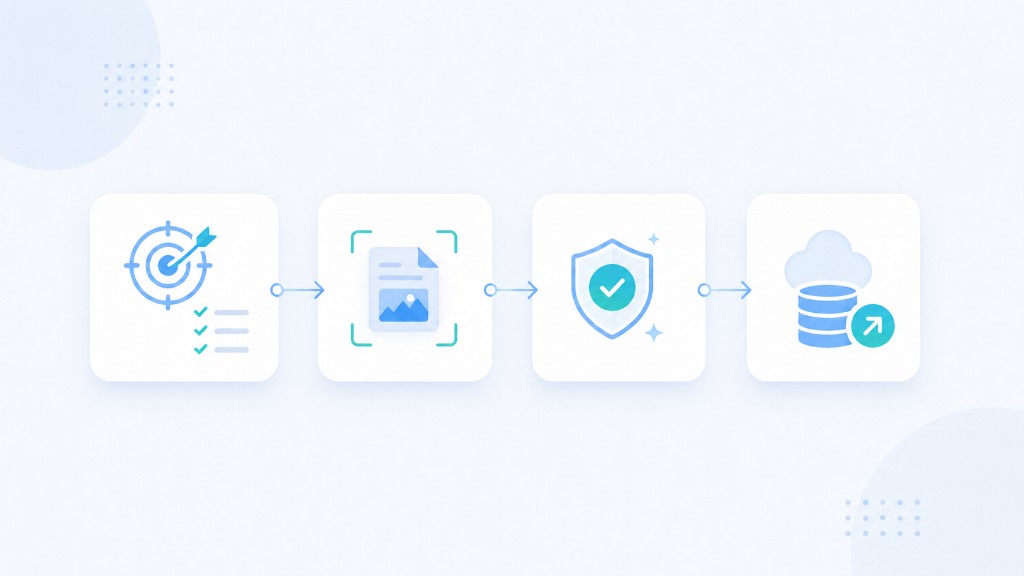
How it works
Share requirements
Define target sources, brands, locations, required menu fields, modifier depth expectations, refresh needs, and delivery destination so Nenodata can scope the workflow.
Extract menu data
Nenodata configures the extraction workflow around the agreed input model, including location lists, brand menus, or recurring monitored sets.
Clean and validate
Collected menu records are standardized, reviewed for completeness, and prepared in the agreed structure. Inconsistent or incomplete entries can be reduced before delivery.
Deliver the feed
Receive output once or on a recurring schedule via agreed formats and destinations. Nenodata maintains the configured workflow as sources and requirements evolve.
Why choose Nenodata
Built for menu-specific data
Workflows focus on menu categories, items, modifiers, pricing, and availability—not generic page dumps that ignore menu structure.
Managed service, not a generic tool
Nenodata scopes, configures, and maintains the workflow around your sources and fields rather than handing off a one-size-fits-all scraper.
Schema before scale
Field names, menu depth, and sample output are agreed before large-scale collection so downstream teams know what they will receive.
Flexible source and field scope
Projects begin with the menu sources, locations, and fields that matter to your team—not a fixed export containing columns you do not use.
Delivery built around your workflow
Output formats and destinations are agreed during scoping. CSV, JSON, Excel, API-ready records, and scheduled feeds can be discussed before production delivery.
Maintenance-minded extraction
Menu pages can change layouts and behavior. A managed workflow can include monitoring and maintenance planning beyond a one-off script.
Integrations and delivery
Depending on approved scope, structured menu data may flow from agreed sources through Nenodata extraction and validation into the delivery formats your team uses for analytics, benchmarking, or product workflows.
Teams often combine menu data workflows with broader restaurant data collection, price intelligence, and custom pipeline delivery depending on the use case.
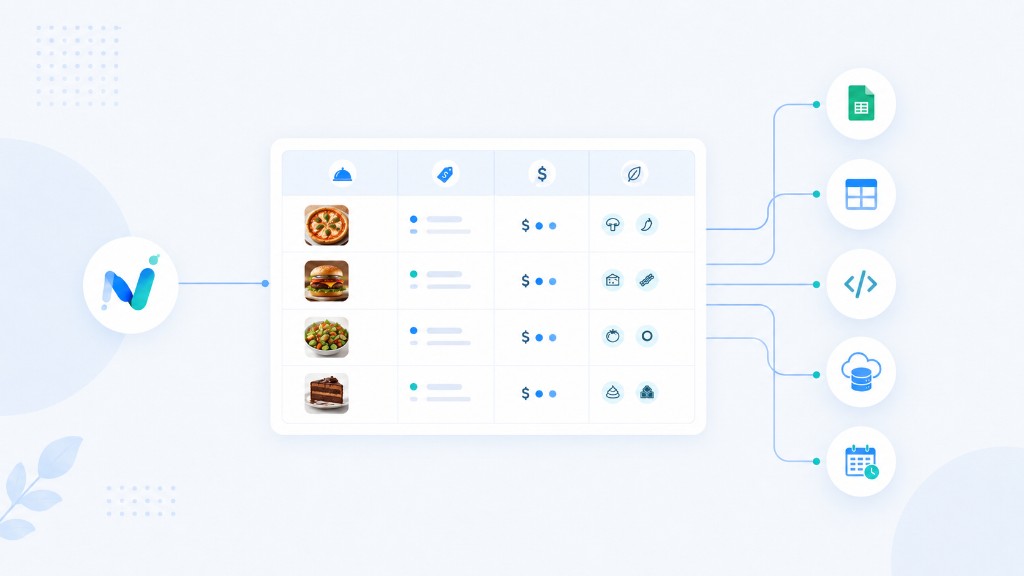
- • CSV for analyst and spreadsheet workflows
- • Excel for business-user review
- • JSON for engineering and product pipelines
- • API-ready structured records where scoped
- • Cloud- or database-ready files where confirmed
- • Scheduled feeds where scoped and confirmed
See custom data pipelines, pricing, and contact Nenodata to discuss formats confirmed during scoping.
FAQ
Ready to automate your data?
Share target menu sources, required fields, locations, refresh needs, and preferred delivery format when you contact Nenodata so the team can scope the menu workflow accurately.