Price Intelligence
MAP Compliance Monitoring Tools: How to Choose the Right Approach
MAP compliance monitoring tools collect advertised prices from reseller websites and marketplaces, compare them with thresholds supplied by a brand, and flag listings that require review. The strongest systems do more than detect a low number: they match the correct product and variant, identify the seller, retain the source and timestamp, and separate genuine pricing exceptions from collection or matching errors.
These tools support pricing, ecommerce, channel-management, and brand-protection teams. They do not determine whether a listing is illegal, replace legal advice, or prove that a reseller breached an agreement.
For related pricing concepts, see Nenodata's price intelligence guide.
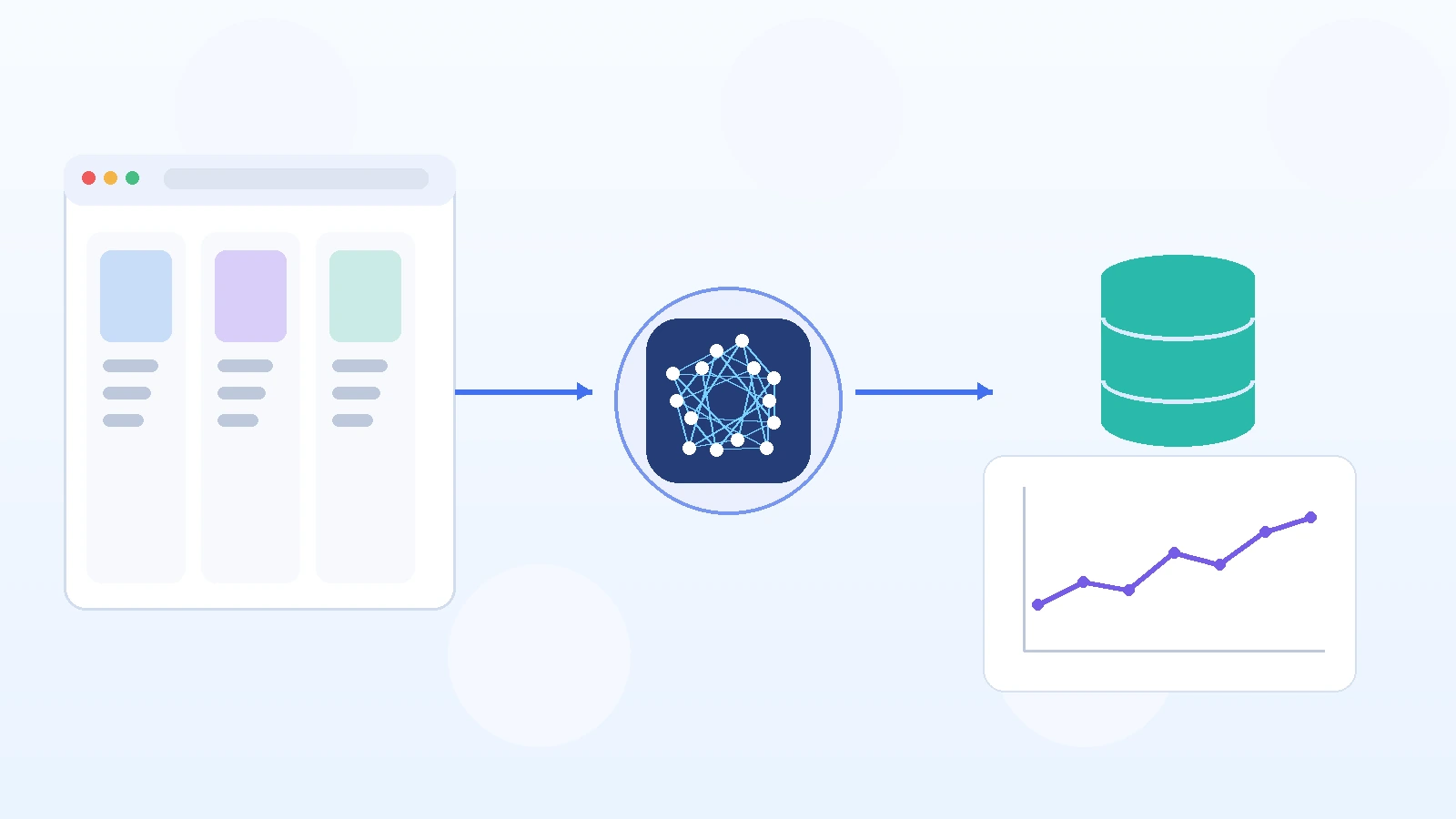
MAP tools guide vs related pricing pages
Use this guide to compare MAP tool types. Use the MAP service for Nenodata’s managed reseller-price feed, or coupon monitoring for promo-only jobs.
| Source | Best for | Learn more |
|---|---|---|
| MAP tools guide | Compare dedicated software, brand-protection, and custom feeds | This guide |
| MAP monitoring service | Managed reseller-price vs threshold records for review | MAP pricing service |
| Coupon monitoring | Promo, coupon, and offer-text feeds — not MAP thresholds | Coupon monitoring |
What MAP monitoring software does
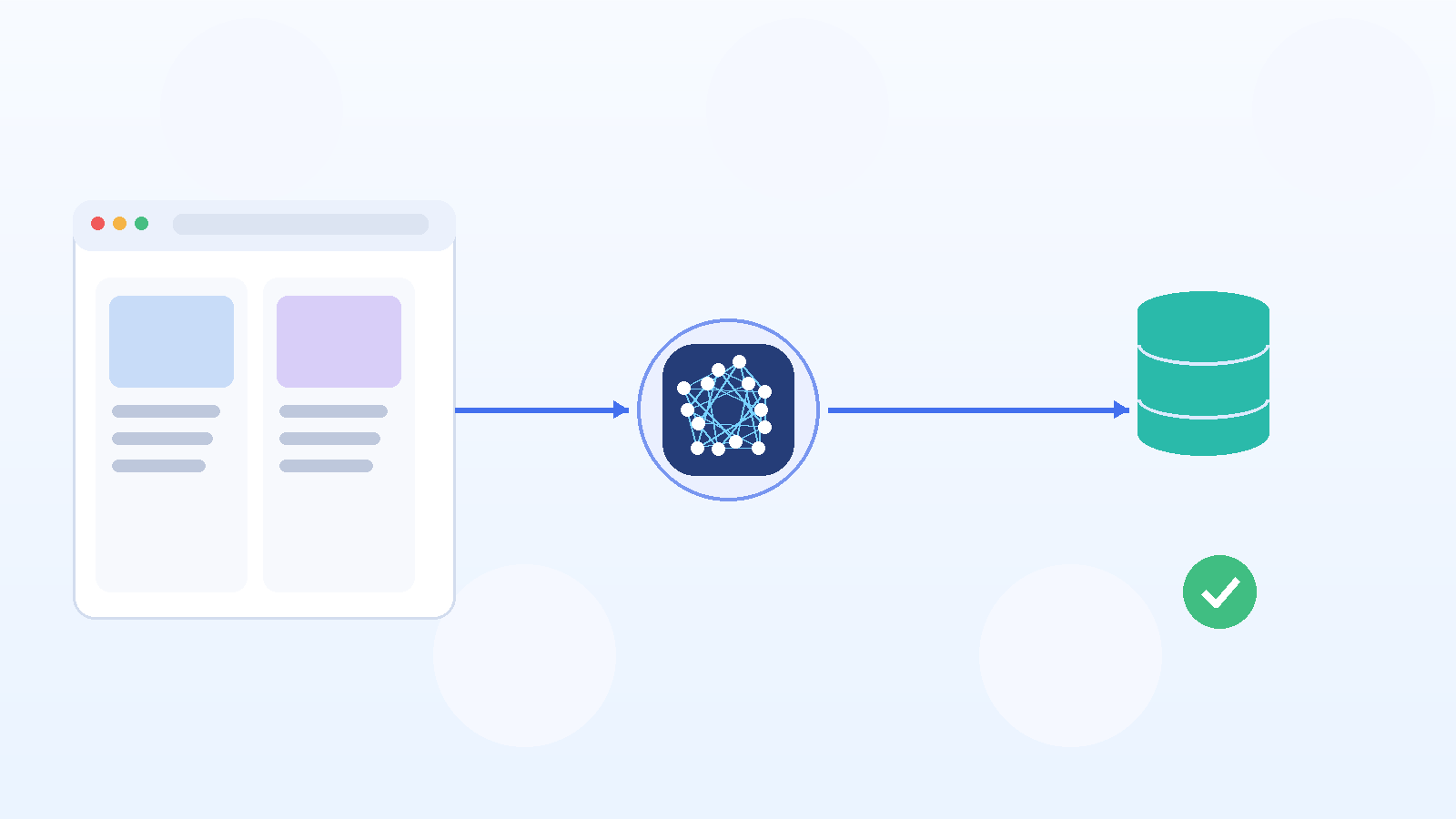
Minimum Advertised Price monitoring focuses on publicly advertised product prices. A typical system follows a defined workflow:
- Receive the brand’s product catalog and pricing thresholds.
- Collect listings from approved retailer and marketplace sources.
- Match each external listing to the correct internal product.
- Normalize the observed price and promotion information.
- Compare the observation with the supplied threshold.
- Flag possible exceptions for review.
- Retain the source URL, timestamp, and supporting data.
- Deliver results through a dashboard, report, file, or integration.
Commercial MAP platforms commonly promote capabilities such as reseller discovery, rule configuration, alerts, violation logs, screenshots, timestamps, and exportable reports. These are useful evaluation criteria, but buyers should verify how each feature works on their actual products and target sources.
A monitoring result is best treated as an observed pricing exception, not an automatic legal conclusion.
Which type of monitoring approach fits your needs?
MAP monitoring is available through several types of solutions.
| Approach | Best suited to | Main advantage | Main limitation |
|---|---|---|---|
| Dedicated MAP software | Brands using commonly supported retailers and marketplaces | Ready-made dashboards and workflows | May not support unusual sources or custom fields |
| Brand-protection platform | Teams monitoring pricing, sellers, listings, and brand misuse together | Wider seller and distribution context | Can be broader and more expensive than a pricing-only need |
| General price-monitoring software | Ecommerce teams tracking competitor and reseller prices | Fast setup for standard price tracking | Policy review and seller workflows may be limited |
| Page-change monitoring | Small numbers of simple product pages | Low setup effort | Weak product matching and structured analysis |
| Custom pricing-data service | Businesses with specialist sources, complex matching, or custom delivery requirements | Flexible source, schema, and integration design | Requires clear scoping and implementation work |
Dedicated software is usually the stronger choice when its supported sources, monitoring rules, interface, and exports already match the business requirement.
A custom service becomes more relevant when the company needs regional retailers, specialist distributors, category-specific matching, unusual data fields, or delivery into an existing database or business-intelligence system.
The capabilities that matter most
1. Coverage of the sources that matter
A large advertised source count is less useful than verified coverage of the channels where your products are actually sold.
Ask each provider:
- Can it monitor the exact websites and marketplaces you use?
- Can it collect individual marketplace offers and seller details?
- Can it support regional versions of a retailer?
- Can it handle location-dependent catalogs?
- What happens when a page layout or URL changes?
- How does it report a failed collection?
Source feasibility should be tested with representative URLs before a full implementation begins.
Nenodata's Price Intelligence service scopes agreed sources, fields, available identifiers, and matching methodology before collection. Its service page also separates catalog changes, unavailable listings, renamed products, removals, and collection failures rather than treating every missing value as the same event.
2. Product and variant matching
A pricing alert is unreliable when the external listing has been matched to the wrong product.
Useful identifiers may include:
- SKU
- UPC, EAN, or GTIN
- Manufacturer part number
- Brand and model
- Size
- Color
- Pack quantity
- Condition
- Category-specific attributes
For example, a monitor should not compare a single 500 ml bottle with a two-pack, refill pouch, travel-size product, or discontinued package without explicitly classifying the relationship.
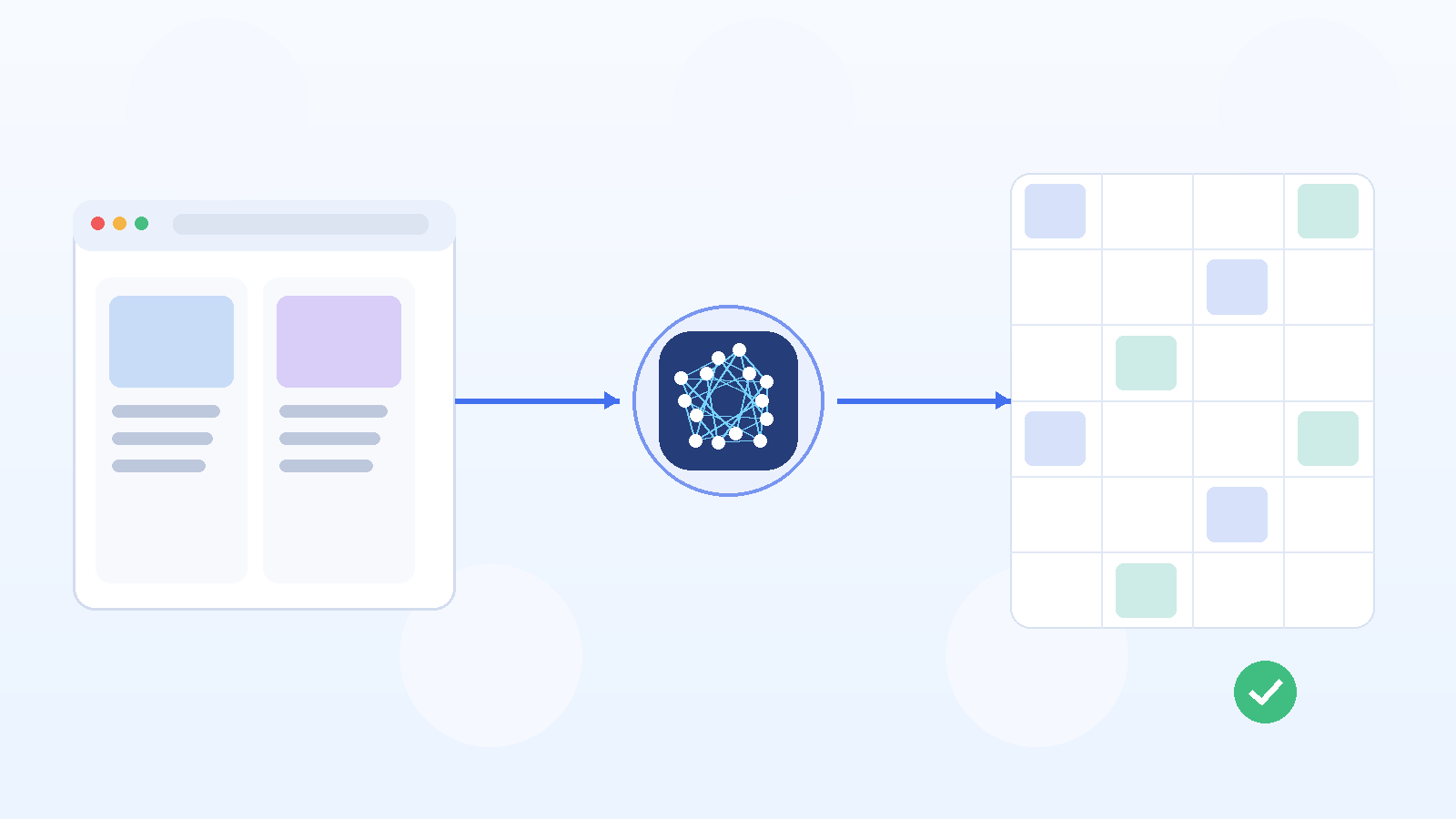
A sound matching workflow should distinguish among:
- Exact match
- Supported variant match
- Comparable product
- Ambiguous match
- Rejected match
- Human review required
Nenodata's service page says exact, variant, and comparable matching is applied only where the category and available identifiers support it. Exceptions can be routed for review.
Illustrative matching example:
| Listing | Match state | Outcome |
|---|---|---|
| SKU-1042 Wireless Headphones Black | Exact match | Accepted — same model and color |
| SKU-1042 Wireless Headphones Black (2-pack) | Supported variant | Valid variant — pack quantity differs |
| Wireless Headphones Black — similar title, no GTIN | Ambiguous match | Routed for human review |
| Refurbished Wireless Headphones Black | Rejected match | Condition differs from catalog rule |
3. Seller identification
A marketplace and a seller are not always the same entity.
Depending on the channel, the monitoring record may need:
- Seller display name
- Seller ID
- Storefront URL
- Marketplace
- Fulfilment party
- Offer URL
- Seller location
- Authorization status supplied by the customer
Software should not label a seller unauthorized merely because the seller name is unfamiliar. That classification normally requires an approved-reseller list or another reference source supplied by the brand.
Ask how the provider handles:
- Alternate seller names
- Seller IDs that persist over time
- Marketplace-owned and third-party offers
- Several sellers attached to one product page
- Uncertain seller matches
- Sellers operating in multiple countries
4. Complete price and promotion context
The largest number displayed on the page may not represent the full offer.
A monitoring specification may need to define the treatment of:
- Sale price
- Strikethrough price
- Coupon
- Promotion code
- Cart discount
- Subscription discount
- Membership price
- Shipping
- Tax
- Currency
- Bundle quantity
- Unit price
- Minimum order quantity
Suppose a listing shows a price of $84.99 against a supplied threshold of $79.99 but also displays a $10 coupon. The project rules must determine whether the coupon-adjusted amount should be recorded, compared, or simply included as contextual evidence.
Without those rules, two systems may classify the same listing differently.
5. Collection status and listing status
A missing price does not necessarily mean a seller removed the listing.
Other explanations include:
- Temporary unavailability
- Changed page URL
- Renamed product
- Region-specific catalog difference
- Website error
- Collection failure
- Changed page structure
- Additional interaction required
A useful dataset should keep these concepts separate:
| Field | Purpose |
|---|---|
| Collection status | Shows whether the page was successfully processed |
| Page status | Shows whether the URL remained accessible |
| Product availability | Shows whether the item appeared purchasable |
| Seller availability | Shows whether the particular offer remained active |
| Observed price | Stores the collected price when available |
| Match status | Records the confidence or review state |
| Exception reason | Explains why the record was flagged |
Nenodata's Price Intelligence page explicitly describes the need to distinguish listing removals, unavailability, renames, catalog changes, and collection failures.
6. Historical records and supporting evidence
A single observation may not show whether a pricing condition was temporary, recurring, corrected, or caused by an error.
A useful historical record can include:
- First observed timestamp
- Most recent timestamp
- Observed price
- Previous price
- Supplied threshold
- Seller
- Source URL
- Match status
- Promotion details
- Collection status
- Review outcome
- Screenshot or snapshot reference, where available
Dedicated reseller-monitoring vendors commonly present timestamped screenshots, historical logs, and exported reports as product features. Buyers should verify retention periods, screenshot coverage, export access, and any additional costs.
Do not assume that a screenshot or collected record is legally sufficient evidence. That assessment depends on the relevant jurisdiction, policy, contract, evidence process, and legal advice.
7. Alerts that support review rather than create noise
An alert should help a team decide what to review next.
A useful alert may include:
- Product and variant
- Seller
- Source
- Observed price
- Supplied threshold
- Difference
- Promotion context
- Timestamp
- Match status
- Source link
- Review reason
Useful controls may include:
- Repeated-observation requirement
- Difference threshold
- Product priority
- Seller priority
- Country or marketplace
- Exception suppression
- Assigned reviewer
- Escalation status
A provider's claim of “instant” or “real-time” alerts should be checked against the actual collection cadence, processing workflow, source behavior, and retry policy.
8. Export and integration options
Some teams want a dedicated dashboard. Others need monitoring data delivered into an existing system.
Common delivery formats include:
- CSV
- Excel
- JSON
- API
- Database
- Cloud storage
- Business-intelligence platform
- Email alert
- Webhook
- Internal review queue
Nenodata positions its Price Intelligence service around a customer-defined workflow rather than a compulsory one-size-fits-all dashboard. Its live service page says outputs can include prices, promotions, availability, product coverage, and catalog-change signals, with recurring delivery when included in scope. Related delivery work can use Nenodata custom data pipelines.
A practical MAP monitoring workflow
Step 1: Define the monitoring rule
The brand must supply the operational rule.
A rule might specify:
- Product-level advertised-price threshold
- Country or currency
- Effective dates
- Coupon treatment
- Shipping treatment
- Included product variants
- Priority sellers
- Required confirmation period
The monitoring provider should apply the supplied rule, not invent the policy.
Step 2: Prepare the product catalog
Provide as many dependable identifiers as possible:
- Internal SKU
- Brand
- Product name
- GTIN, UPC, or EAN
- Manufacturer part number
- Variant
- Size
- Color
- Pack count
- Currency
- Pricing threshold
- Approved seller list, when relevant
Incomplete catalog data increases the risk of ambiguous matches and manual review.
Step 3: Approve source coverage
Specify the retailer sites, marketplaces, countries, and seller pages to include.
Prioritize the sources that matter commercially. Adding numerous irrelevant sources can increase monitoring cost and review volume without improving decisions.
Step 4: Collect and structure listings
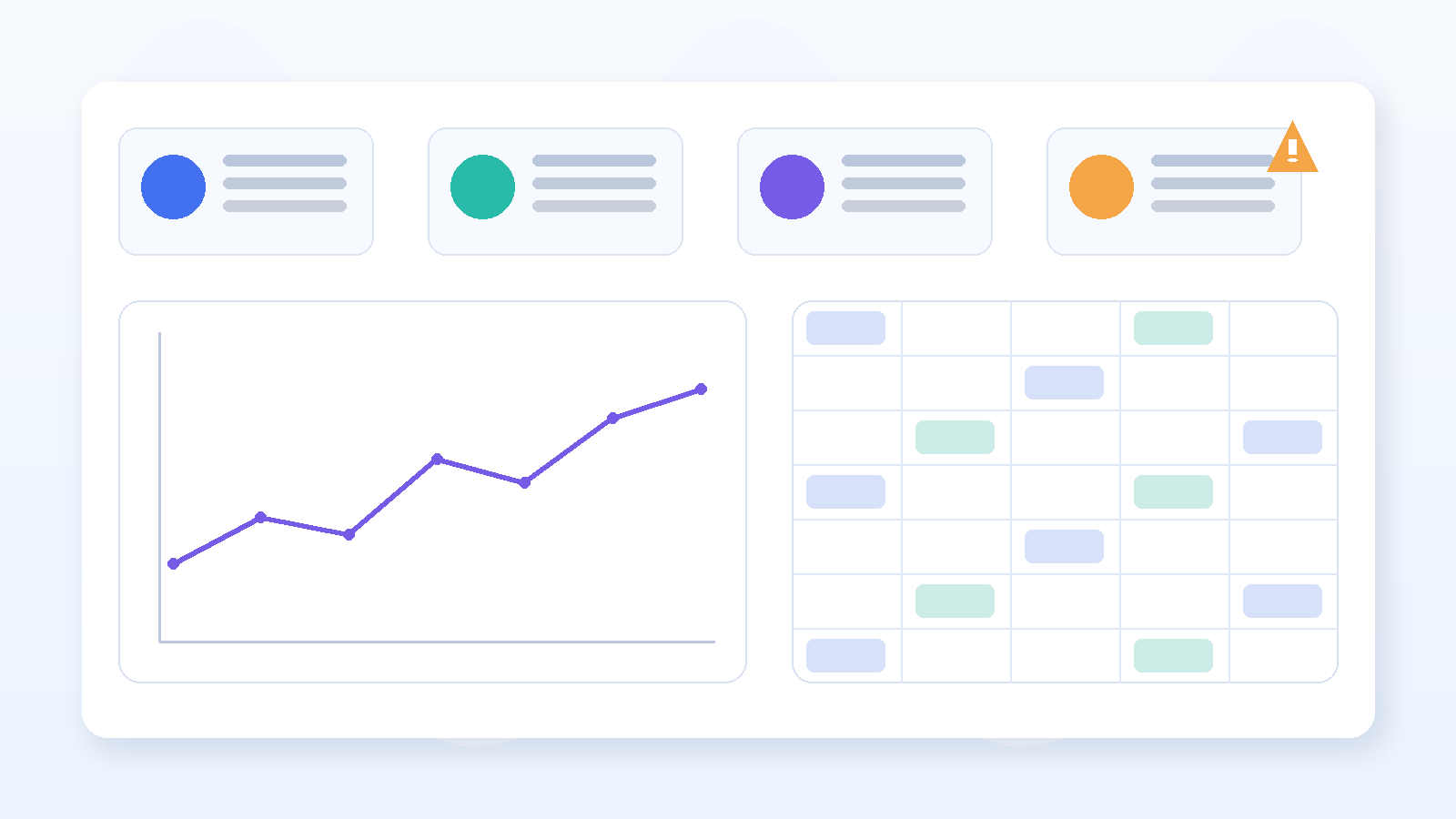
Each observation should be converted into a consistent schema.
An illustrative record could include:
| Field | Illustrative value |
|---|---|
| Internal SKU | SKU-1042 |
| Product | Soundcore Life Q30, black |
| Channel | Amazon.com |
| Seller | Anker Official |
| Observed price | $74.99 |
| Supplied threshold | $79.99 |
| Promotion | No coupon observed |
| Availability | In stock |
| Match status | Exact model and color |
| Collection time | 2026-08-12T13:30:00Z |
| Review status | Possible exception |
| Source | https://www.amazon.com/dp/B08HMWZBXC |
This example explains the recommended structure. It is an illustrative sample, not Nenodata customer evidence.
Step 5: Match and normalize the observations
The system applies the agreed matching and normalization rules.
Records that cannot be matched confidently should not be silently included in the main exception report. They should be rejected or placed in a review queue.
Step 6: Compare the result with the supplied threshold
Use neutral classifications such as:
- Below supplied threshold
- At supplied threshold
- Above supplied threshold
- Unable to compare
- Review required
Avoid describing every below-threshold observation as a confirmed violation.
Step 7: Validate possible exceptions
Before escalating a record, check:
- Product identity
- Variant and pack quantity
- Seller identity
- Coupon conditions
- Shipping treatment
- Currency
- Collection status
- Repeated observations
- Previous listing history
Step 8: Deliver the review-ready output
The result may be:
- Displayed in a dashboard
- Exported as a file
- Delivered through an API
- Added to an internal review queue
- Sent to a channel manager
- Retained for historical analysis
Any policy decision, seller communication, or enforcement action remains the customer's responsibility.
Common causes of false alerts
Wrong product or variant
A smaller pack, old model, refurbished item, or different bundle may appear to be the same product.
Action: Retain the identifiers and attributes used for every accepted match.
Hidden offer conditions
Coupons, membership requirements, subscriptions, minimum quantities, and shipping conditions can affect the apparent price.
Action: Define which offer components the system must capture and compare.
Incorrect seller identity
One seller may use several names, while several sellers may appear on one marketplace page.
Action: Retain persistent seller identifiers where available and use an approved reference list.
Collection failure classified as delisting
A blocked, changed, or temporarily inaccessible page is not proof that the listing disappeared.
Action: Store collection status separately from product and seller availability.
Unreviewed single observation
A temporary display issue or short-lived promotion may produce one unexpected result.
Action: Decide whether a repeated observation is required before escalation.
Dedicated software or a custom monitoring service?
Choose dedicated software when:
- Your main sources are already supported.
- Standard product fields are sufficient.
- You want a ready-made dashboard.
- Your monitoring rules fit the product.
- Standard exports and alerts meet your needs.
- Your team prefers a self-service platform.
Consider a custom service when:
- You need specialist, regional, or distributor websites.
- Product matching requires category-specific logic.
- You need source-specific fields.
- Your data must follow an internal schema.
- You already have a dashboard or review system.
- Delivery must use a database, API, or custom pipeline.
- Different sources require different collection rules.
Nenodata's relevant service is custom Price Intelligence. The company's live page describes an agreed process for defining sources, fields, identifiers, matching rules, validation, and delivery cadence. For collection methods used in reseller and competitor pricing work, see ecommerce price scraping.
Questions to ask before choosing a provider
Ask prospective providers:
- Can you test our actual product URLs before implementation?
- How are exact products, variants, bundles, and pack sizes matched?
- How do you capture marketplace sellers?
- How are coupons, shipping, and cart discounts treated?
- How do you distinguish a failed collection from an unavailable listing?
- Can uncertain matches be routed for review?
- Which timestamps and historical fields are retained?
- Are screenshots or snapshots available for our required sources?
- What is the actual collection cadence?
- Can raw observations and reviewed exceptions be exported separately?
- Can the output use our existing schema and identifiers?
- What source changes and maintenance are included?
A useful provider response should include a representative sample and a clear methodology, not only a feature list.
How Nenodata supports custom price monitoring
Nenodata can collect and structure pricing, availability, promotion, product-coverage, and catalog-change signals from agreed retail and marketplace sources. For threshold-based reseller advertised-price review records, see MAP Pricing Compliance Monitoring. For competitive market pricing and assortment workflows, see Price Intelligence.
A scoped project may include:
- Source and field definition
- Product matching
- Price and promotion collection
- Availability and listing-status monitoring
- Exception handling
- Structured delivery
- Recurring collection where agreed
Nenodata is an external pricing-data and monitoring layer. The customer remains responsible for defining its policy, supplying relevant reference information, reviewing exceptions, and deciding what action to take.
Request a pricing-monitoring sample based on representative products, identifiers, sources, thresholds, fields, format, and cadence.
Request a Pricing Data SampleFor a useful sample request, provide:
- Five to ten representative products
- Available product identifiers
- Target websites or marketplaces
- Countries
- Pricing thresholds
- Required fields
- Preferred output format
- Desired collection cadence
Choosing the right MAP monitoring approach
The right system is the one that can reliably monitor your actual sources, match your products, preserve sufficient pricing context, and deliver review-ready records in a usable format.
Evaluate providers on:
- Verified source coverage
- Product and variant matching
- Seller identification
- Promotion handling
- Collection-status reporting
- Historical evidence
- Review workflow
- Integration requirements
- Clear operational and legal boundaries
Use a ready-made platform when its standard coverage and workflow fit. Use a custom monitoring service when your sources, fields, matching rules, or delivery requirements fall outside a standard product.
In either case, treat automated flags as inputs for review—not final legal conclusions.
Share target sources, products, and review requirements to discuss source feasibility for a custom MAP monitoring workflow.
Discuss Your Monitoring RequirementsSources
- Nenodata — Price Intelligence
- Nenodata — MAP Pricing Compliance Monitoring
- Nenodata — Custom Data Pipelines
- Pricefy — MAP monitoring features (vendor-reported)
- Lengow — reseller / pricing monitoring features (vendor-reported)
Vendor pages are cited only for commonly advertised tool capabilities, not as endorsements. Recheck feature claims, dates, and any legal wording periodically.