CMS Nursing Home Care Compare Ratings Scraper
Nenodata builds and manages a CMS Nursing Home Ratings Scraper workflow that structures approved public provider pages into normalized facility records for ratings research, staffing analysis, inspection monitoring, and delivery into your data systems.
- Sample-first source and schema review
- Provenance retained through delivery
- CSV, JSON, API, or warehouse delivery where supported
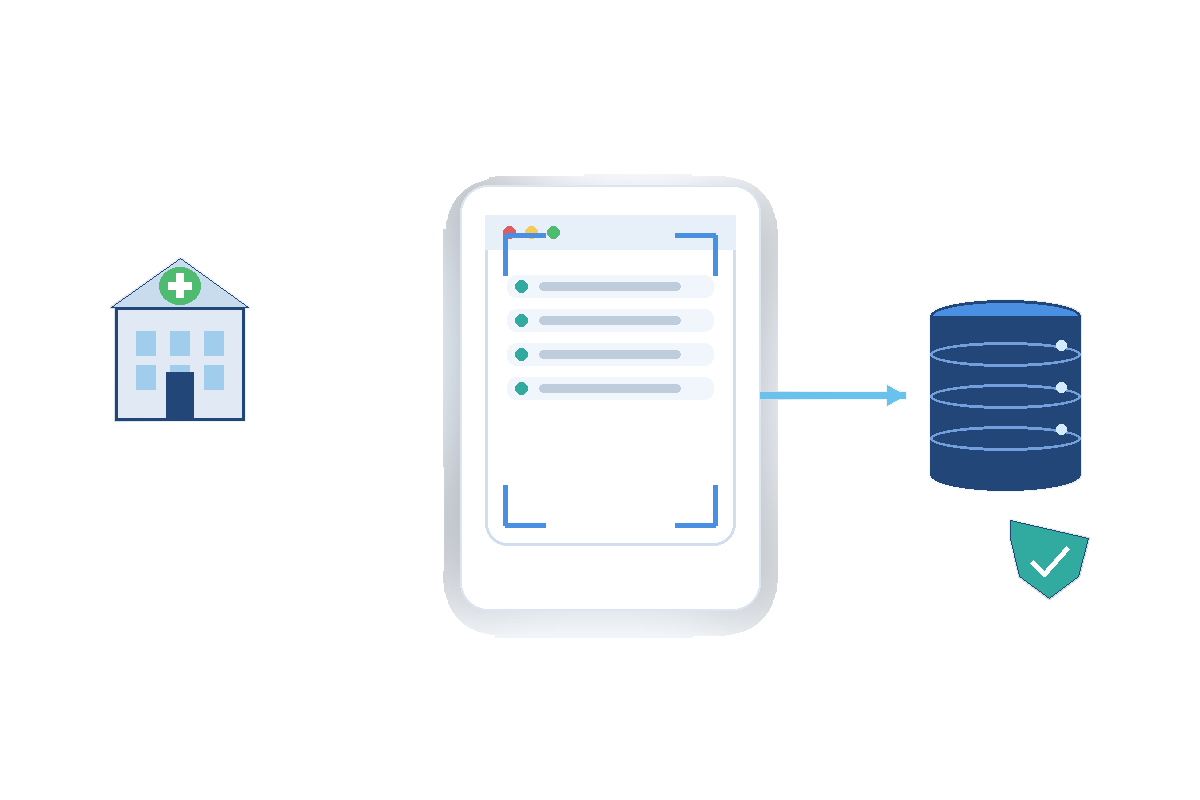
Public Data Still Requires an Operational Data Workflow
Healthcare analytics, placement research, and policy teams often assemble nursing-home intelligence from manual CMS page reviews, copied tables, and disconnected exports that fall behind when ratings revise, ownership changes, or penalty records update.
Pagination shifts, revised provider fields, inconsistent identifiers, and page-layout changes make one-off scripts difficult to trust for recurring facility monitoring or downstream model inputs.
A managed workflow defines the approved public CMS sources first, then maps facility identity, ratings, staffing, inspection, ownership, penalty context, and provenance metadata into a repeatable schema with transparent missing-value handling.
What the CMS Nursing Home Ratings Scraper Provides
Nenodata scopes extraction around the provider pages, facility fields, validation rules, refresh needs, and delivery destinations required for your workflow.
Engagements may include provider identity, ratings, staffing and inspection signals, ownership context, penalty indicators, source URLs, collection timestamps, and structured delivery when those elements are publicly available on approved CMS pages and included in the agreed schema.
Collection is limited to approved public CMS sources. Private, restricted, login-protected, or otherwise unsuitable pages remain out of scope. Broader managed extraction may extend through fully managed web scraping services. Coverage, cadence, supported fields, and destinations must be confirmed during scoping.
CMS ratings vs other healthcare sources
Use this page for CMS Care Compare facility ratings. Use clinical-trials extraction for registry research, not nursing-home stars.
| Source | Best for | Learn more |
|---|---|---|
| CMS nursing home ratings | Care Compare star ratings, staffing, inspections, ownership | This service |
| Clinical trials extraction | ClinicalTrials.gov / EU CTR registry records | Clinical trials |
| Healthcare & pharma data | Broader healthcare collection programs | Healthcare data |
Sample Output and Proof
Review an illustrative normalized facility record showing ratings, ownership, source, and validation fields. Actual deliverable fields require source confirmation before production work begins.
Illustrative example
This sample is illustrative only and must not be treated as a verified production extract or customer result.
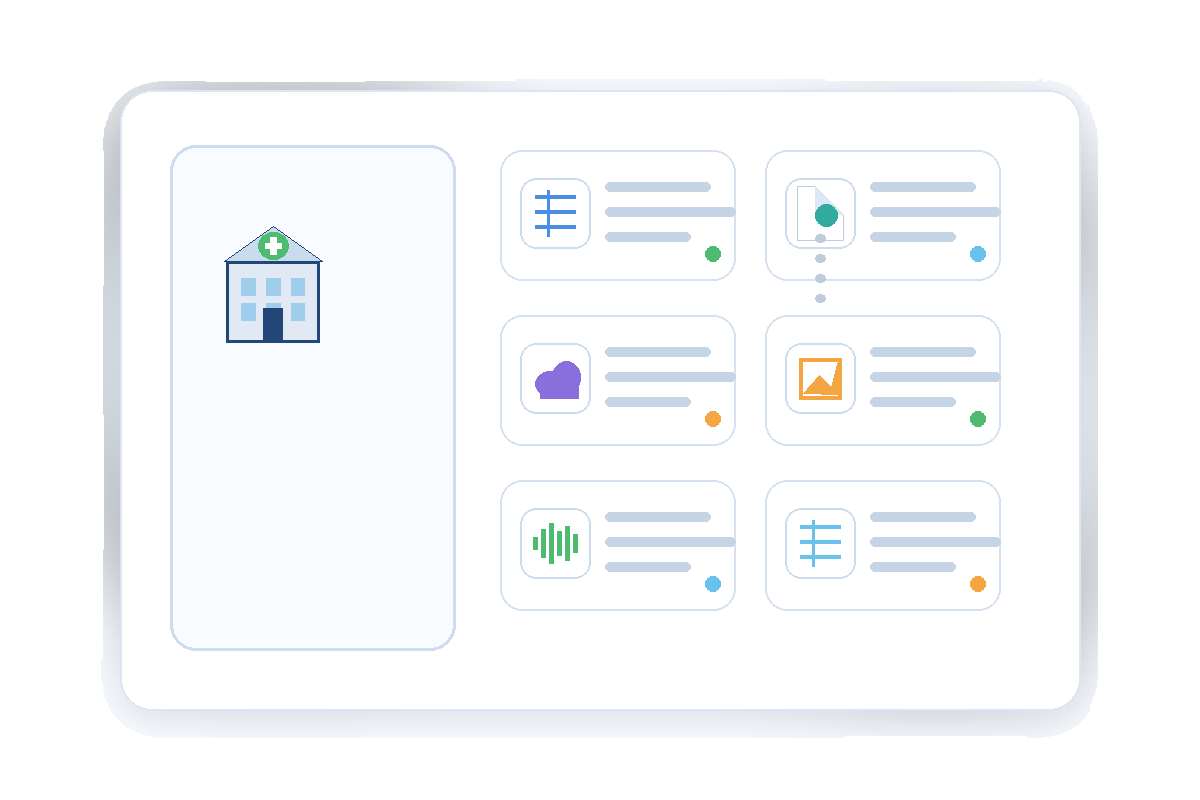
JSON structure
{
  "provider_id": "145123",
  "facility_name": "Lakeside Skilled Nursing",
  "city": "Springfield",
  "state": "IL",
  "overall_rating": "4",
  "staffing_rating": "3",
  "health_inspection_rating": "4",
  "ownership_type": "For profit",
  "penalty_count": "0",
  "source_url": "https://www.medicare.gov/care-compare/details/nursing-home/145123",
  "source_published_at": "2026-08-01",
  "collected_at": "2026-08-12T12:30:00Z",
  "validation_status": "pass"
}
Source, Refresh, and Provenance
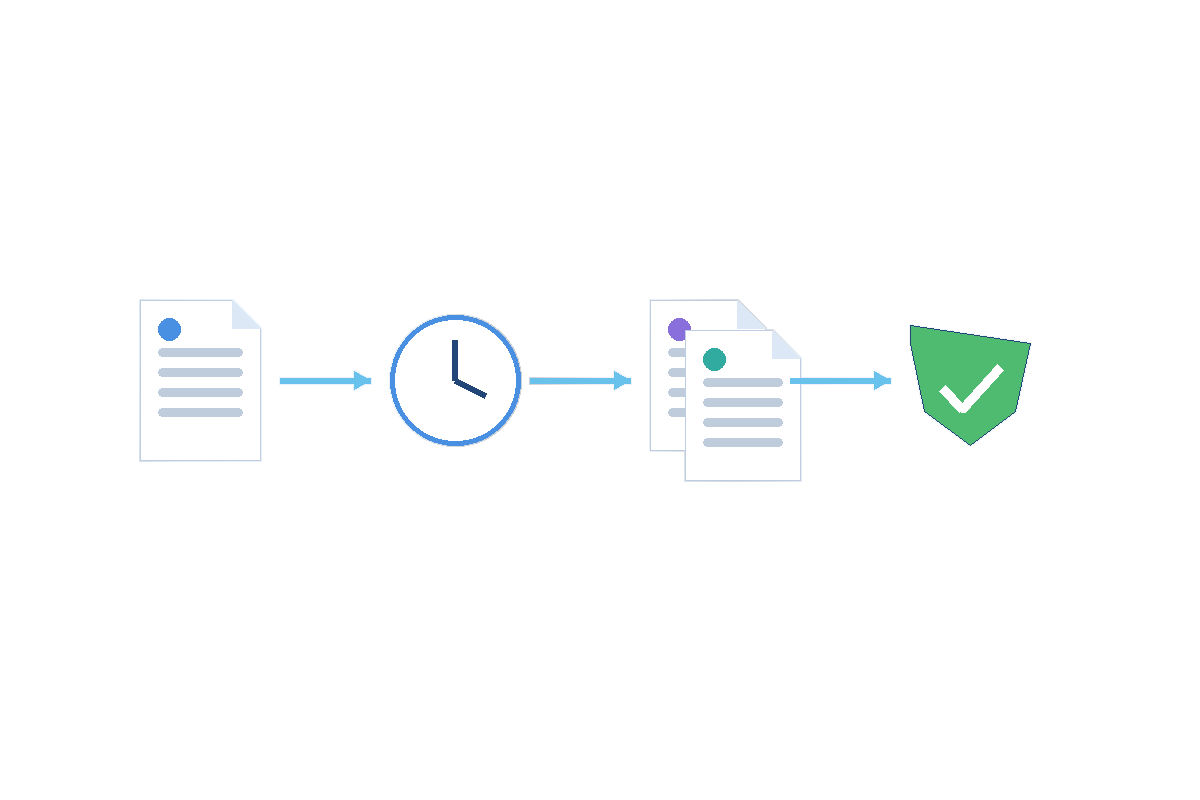
Source freshness depends on CMS publication behavior, the approved page set, and the contracted refresh model. Collection frequency is not the same as CMS publication timing.
Each record can retain source URLs, source publication or observation dates, collection timestamps, validation status, and batch metadata so downstream teams can interpret when a value was observed and delivered.
Data Fields and Delivery Outputs
Potential field groups depend on the approved CMS pages, intended use, and technical feasibility confirmed during scoping.
Facility identity
Provider identifiers, facility names, city, state, and related location context when publicly displayed on approved CMS pages.
Ratings and quality signals
Overall, staffing, health inspection, and related quality indicators when present on the approved source pages.
Ownership and penalties
Ownership type, penalty counts or related public enforcement signals when included in the agreed schema and publicly visible.
Provenance and validation
Source URLs, source publication dates, collection timestamps, validation status, and batch metadata retained for traceability.
Delivery outputs
CSV, Excel, JSON, API-oriented records, database loads, warehouse delivery, scheduled files, and webhooks when confirmed for the engagement.
Pipeline extensions may use Nenodata custom data pipelines when downstream automation is in scope. Formats and destinations are not guaranteed before review.
Delivery Options
Potential delivery formats can be scoped after format review and destination feasibility testing.
- CSV
- Excel
- JSON
- API-oriented records
- Database delivery
- Warehouse delivery
- Scheduled file delivery
- Webhooks
Use Cases
Facility ratings monitoring
Analysts track structured ratings and quality signals for scoped provider sets without rebuilding manual spreadsheets after each CMS update.
Staffing and inspection research
Research teams compare staffing and inspection indicators across approved provider records in a normalized schema.
Ownership and penalty analysis
Policy and compliance teams review ownership context and public penalty indicators where included in the agreed scope.
Placement and network research
Healthcare operators compare facility attributes for network planning and market mapping workflows.
Research database enrichment
Data teams load source-linked facility records into internal research databases with explicit provenance metadata.
Dashboard and analytics feeds
Analytics groups deliver recurring facility datasets to dashboards when refresh cadence and maintenance are in scope.
Application and API delivery
Product teams consume validated facility records through agreed files, APIs, or warehouse loads after destination confirmation.
Who This Service Is For
This service is for healthcare analytics teams, placement researchers, policy analysts, data engineers, and application teams that need structured observations from approved public CMS nursing-home provider pages.
It fits organizations that want sample-first scoping rather than maintaining fragile one-off extraction scripts for changing CMS layouts.
Broader multi-source extraction needs may be supported through Nenodata data extraction services. This page does not claim CMS affiliation, partnership, or unrestricted access to every CMS page.
How It Works
The managed workflow is described in how Nenodata works.
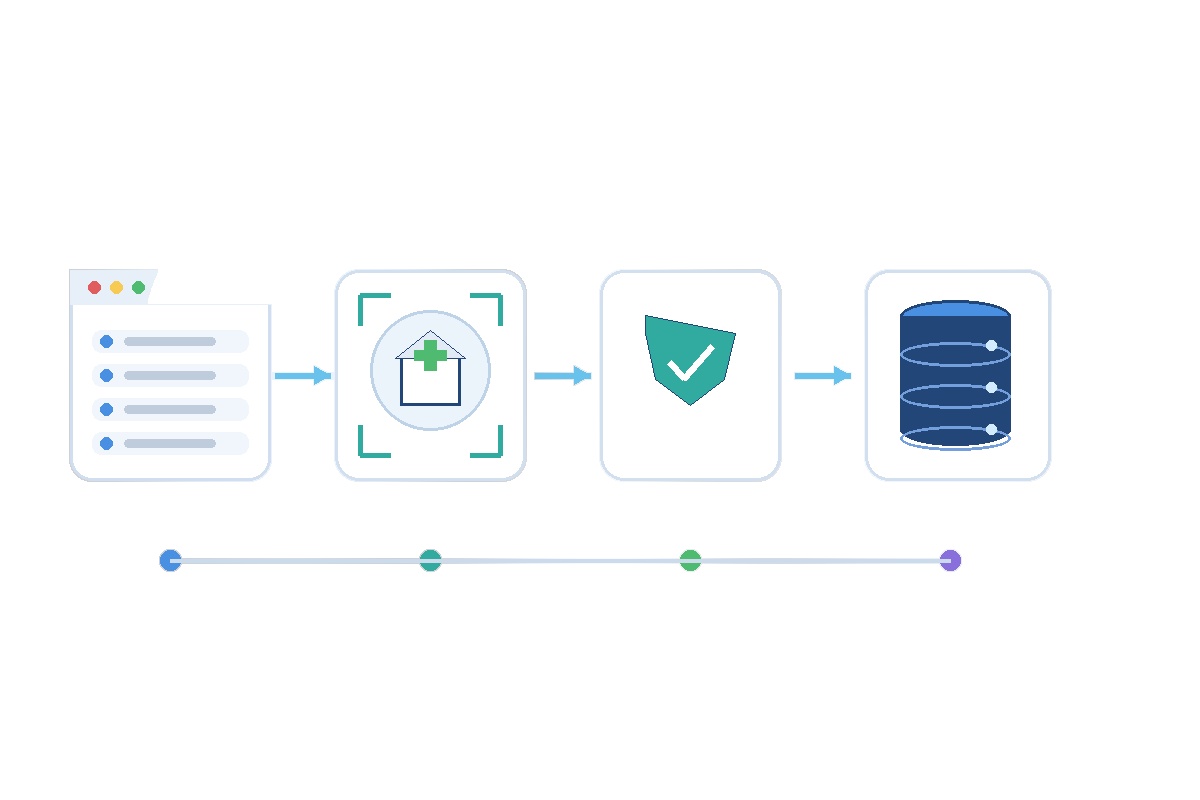
- Step 1
Share requirements
Share representative CMS URLs, required fields, filters, delivery format, refresh needs, and intended use.
- Step 2
Collect approved CMS pages
Nenodata configures collection against the agreed public CMS pages and validates a representative sample before broader rollout.
- Step 3
Normalize and validate
Records are normalized, deduplicated, and validated so ratings, ownership, penalty, and missing-value handling remain distinct in the output.
- Step 4
Deliver the agreed dataset
Structured outputs are delivered through the confirmed method, with maintenance included when contracted.
Why Choose Nenodata
Sample-first feasibility review
Representative CMS pages and fields are reviewed before broader collection begins so teams can confirm source fit early.
More than separate CSV downloads
Outputs are structured around agreed schema, validation, and delivery rules rather than disconnected manual exports alone.
Source context remains attached
Source URLs, timing, and validation metadata stay with each facility record for downstream interpretation.
Source-appropriate freshness
Refresh expectations are scoped to CMS publication behavior and contracted maintenance rather than implied real-time updates.
Managed operational scope
When included in scope, Nenodata maintains agreed handling for source-layout and delivery changes instead of shifting every update to internal engineering.
Responsible source review
Work stays limited to approved public CMS sources and intended uses. Restricted or inappropriate collection requests are declined during scoping.
Integrations and Delivery
Delivery formats and destinations are agreed during scoping and may include CSV, Excel, JSON, API-oriented records, database delivery, warehouse delivery, scheduled files, and webhooks when supported.
Review Nenodata pricing and engagement options or discuss your CMS data requirements with the team. Enterprise context is available through enterprise web scraping for data teams.
Related healthcare pages: clinical trials data extraction services and healthcare and pharma data scraping.
Frequently Asked Questions
Request a Representative Sample
Share representative CMS URLs, required facility fields, refresh cadence, expected volume, intended use, and preferred delivery destination so Nenodata can scope the next step.
Include business contact details with representative URLs, required fields, desired cadence, expected volume, and preferred delivery destination when you contact Nenodata.